
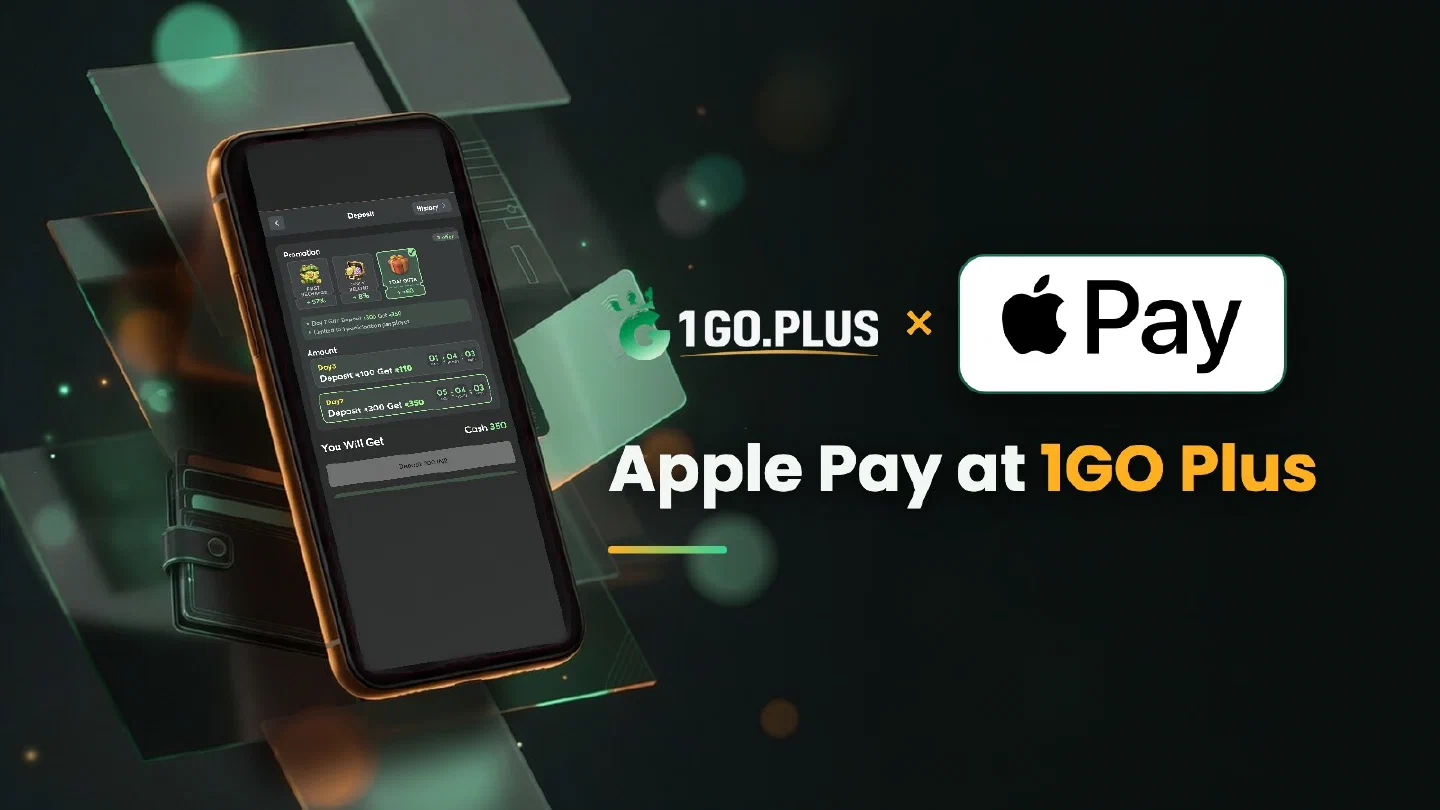
How Apple Pay works at 1GO Plus
Apple Pay turns the card in your Wallet into a one-touch recharge.
Apple Pay is one of the ways to recharge 1GO Plus from India, and it turns the card in your iPhone’s Wallet into a one-touch payment. Open the cashier in Safari, choose Apple Pay, pick an amount and confirm with Face ID; your balance is topped up and your bonus is credited automatically. Winnings go out to your UPI ID or bank account, usually in about 5 minutes, and a payment that needs a second look is settled with a Payment Ticket and a screenshot. Every other option is listed in all payment methods.
How to recharge 1GO Plus with Apple Pay#
- Log in to 1GO Plus in Safari on your iPhone and tap the + next to your balance to open Deposit.
- Under Method, choose Apple Pay and pick an amount; the cashier shows the amounts open to your account.
- Press the deposit button and the Apple Pay sheet slides up with the card from your Wallet.
- Confirm with Face ID, Touch ID or your device passcode.
The deposit and your bonus are credited together, and the money comes from a card in your own name.
What you need on your iPhone#
- Safari for the cashier page, so the Apple Pay sheet opens in the same window.
- A card in Wallet, added in your own name.
- Face ID, Touch ID or your device passcode to approve the payment.
The card named in the Apple Pay sheet is the one that pays. Tap it to switch to another card from your Wallet before you confirm, then approve once and return to 1GO Plus.
Apple Pay at 1GO Plus for players in India#
Players from India often ask whether Apple Pay is open to them, and the cashier gives the answer: Apple Pay is listed among the ways to recharge 1GO Plus, and the options open to your account appear as soon as you open Deposit. The payment comes from a card in your own name, and the balance updates once your bank confirms the payment. Apple Pay sits beside the other card and wallet options, so a look at Visa card deposits takes a minute if you want to compare.
Apple Pay sheet did not open? Restart the order in Safari#
- Open the cashier in Safari on your iPhone.
- Check that a card is added in Wallet.
- Start a new order and press the deposit button again.
- If Face ID is switched off, approve with Touch ID or your device passcode in the same sheet.
Every attempt is its own order, so a fresh order is a clean start for the same amount.
Money debited but the balance did not change#
- Wait for the final status of the order in the cashier. The balance updates once your bank confirms the payment.
- Find the payment in your Wallet card details or your bank app and take a screenshot.
- Open a Payment Ticket with the screenshot; the support team matches it to your order.
- Still waiting? Send the order ID, the time and the screenshot to bonus support.
The Payment Guarantee covers slow deposits: 1% of the amount after a 3-minute delay, 10% after 2 hours and 100% after 4 hours.
Winnings after Apple Pay: UPI ID or bank account#
Apple Pay is the way in; the way out is the UPI ID or bank account you save under Withdraw, in your own name, with account number and IFSC for a bank. Payouts there usually land in about 5 minutes, and the UPI guide and bank transfer guide cover adding either one. Request an amount up to Withdrawable and confirm.
Once your deposit has been wagered one time, the payout is free of commission. On a first payout 1GO Plus may ask for an ID, an address or a selfie, so keep them nearby.
Withdraw screen labels#
- Withdrawable: the amount open for payout now, often lower than your total balance.
- Turnover Requirement: bonus turnover still open, covered in withdrawal after a bonus and wagering requirements.
- Daily Limitation: today’s top amount, rising with your VIP level.

Apple Pay, Google Pay or Visa?#
| If you want | Pick |
|---|---|
| The card in your iPhone Wallet, confirmed with Face ID | Apple Pay |
| A UPI app approved with your UPI PIN | Google Pay |
| The Visa card itself | Visa |
Whichever you choose, the bonus is credited automatically after the deposit — see first deposit cashback, the Weekly Pass and the recharge bonus for the details.