
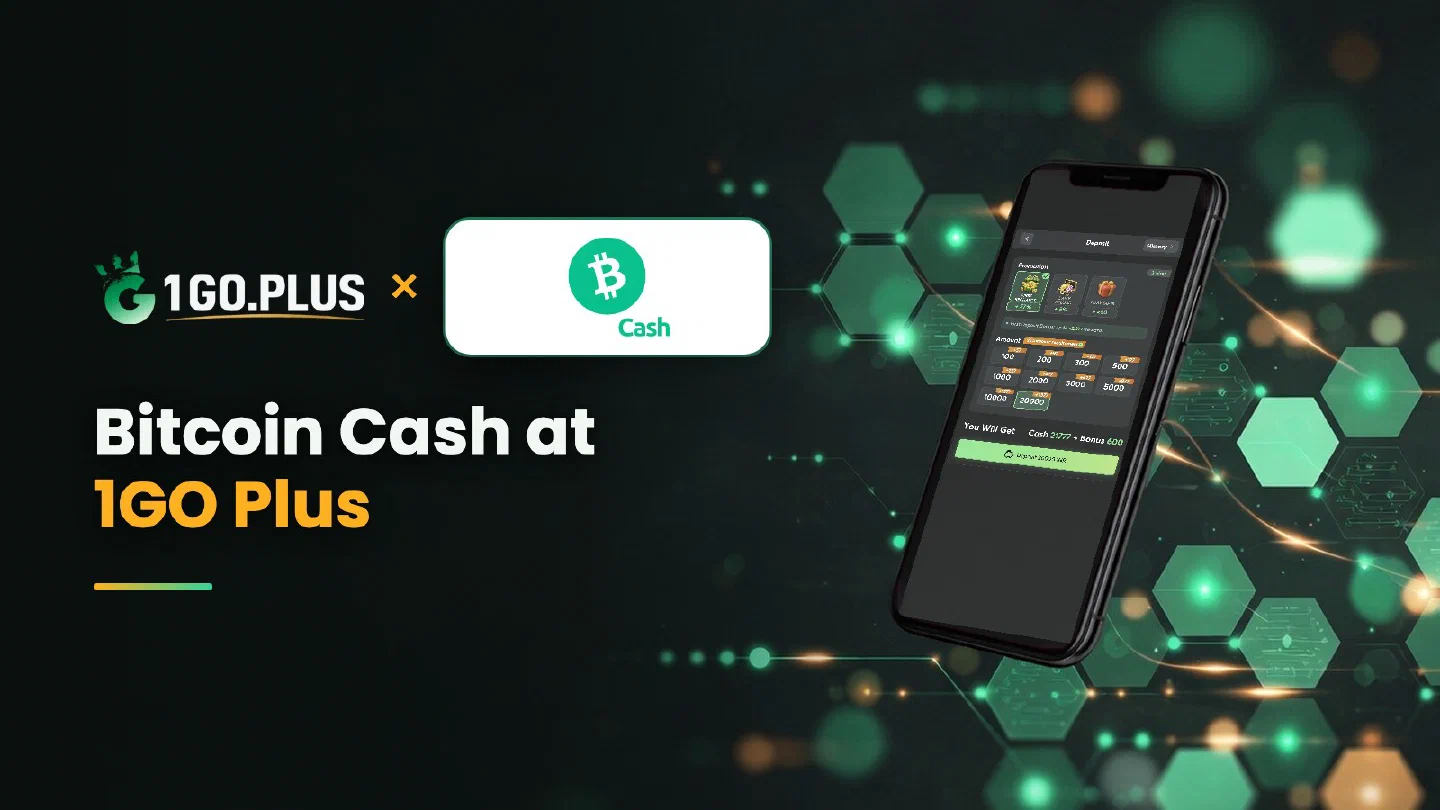
Bitcoin Cash and Bitcoin: two coins, two networks
A transfer reaches your 1GO Plus balance when the coin, the network and the address all point to the same place. Here is how to line them up.
Pay 1GO Plus with Bitcoin Cash in four moves: choose Bitcoin Cash in the cashier, copy the address from the order screen, pick the Bitcoin Cash network in your wallet or exchange and send BCH. Bitcoin Cash is its own coin on its own network, so the coin, the network and the address should all point to the same place. Your first-deposit bonus is credited automatically after the deposit, and winnings are withdrawn to your UPI ID or bank account. New to the Bitcoin family? Start with the Bitcoin deposit guide or browse all 1GO Plus payment methods.
Bitcoin Cash and Bitcoin: two coins, two networks#
| Coin | Ticker | Network label in your exchange | Guide |
|---|---|---|---|
| Bitcoin Cash | BCH | Bitcoin Cash | This page |
| Bitcoin | BTC | Bitcoin | Bitcoin deposit guide |
One habit: match three things#
Make the coin name, the network label and the start of the address identical in three places: the cashier, your wallet and the withdrawal form of your exchange. When all three match, the transfer goes where you meant it to go.
How to recharge 1GO Plus with Bitcoin Cash#
- Tap the + next to your balance and choose Bitcoin Cash.
- Copy the address from the order screen.
- Select the Bitcoin Cash network in your wallet or exchange and send BCH.
- Your balance and bonus are added automatically.
The amount and the available options are shown in the cashier of your account. Send from a wallet or exchange account in your own name.
From exchange to cashier#
Buy BCH for rupees on your exchange, choose the Bitcoin Cash network in the withdrawal form and paste the address from your order screen.
What a Bitcoin Cash address looks like#
The modern format, CashAddr, starts with q or p and often comes with the prefix bitcoincash:. An older format starts with 1. A wallet may add or drop the prefix on its own, so copy the address exactly as your order screen shows it, and compare its start and end in your wallet before you send.
Address starts with 1: is it Bitcoin?#
The older Bitcoin Cash format looks just like a Bitcoin address. Go by the network selected in your withdrawal form rather than by the look of the address: choose Bitcoin Cash there, and the address from your order is the right one to paste.
BCH sent, balance still waiting#
- Copy the TXID from your withdrawal history.
- Open it in a Bitcoin Cash block explorer.
- Check that the address matches your order screen.
- Check that the Bitcoin Cash network was selected.
- Open a Payment Ticket with a screenshot of the transaction details, TXID visible.
- Send the order ID, the time and the TXID to bonus support.
The three statuses of a transfer, sent, confirmed and credited, are explained on the Bitcoin page.
Value in rupees#
The cashier shows the INR value at the moment of the order. The BCH rate keeps moving, so check the amount on your order screen before you send.
From BCH to rupees: cash out winnings#
Bitcoin Cash is the coin you deposit; rupees are what you withdraw. After you tap Withdraw, pick your UPI ID (UPI ID withdrawals) or a bank account with account number and IFSC in your own name (bank account steps). Money usually lands in about 5 minutes, a bank sometimes taking a little longer.
| On the Withdraw screen | What it means |
|---|---|
| Withdrawable | The sum available now, which may be below your total |
| Turnover Requirement | Bonus turnover still open (withdrawal after a bonus) |
| Daily Limitation | The day’s maximum; a higher VIP level lifts it |
One wager of your deposit and the withdrawal is free of commission.
Bitcoin Cash, Bitcoin or Litecoin?#
- Bitcoin Cash is the choice when BCH is already in your wallet or on your exchange.
- Bitcoin is the original coin, with a full guide to statuses and the transfer queue.
- Litecoin follows the same order of steps with its own address format.
Whichever coin you pick, the welcome bonuses arrive automatically: see first deposit cashback, the Weekly Pass and the welcome bonus.