
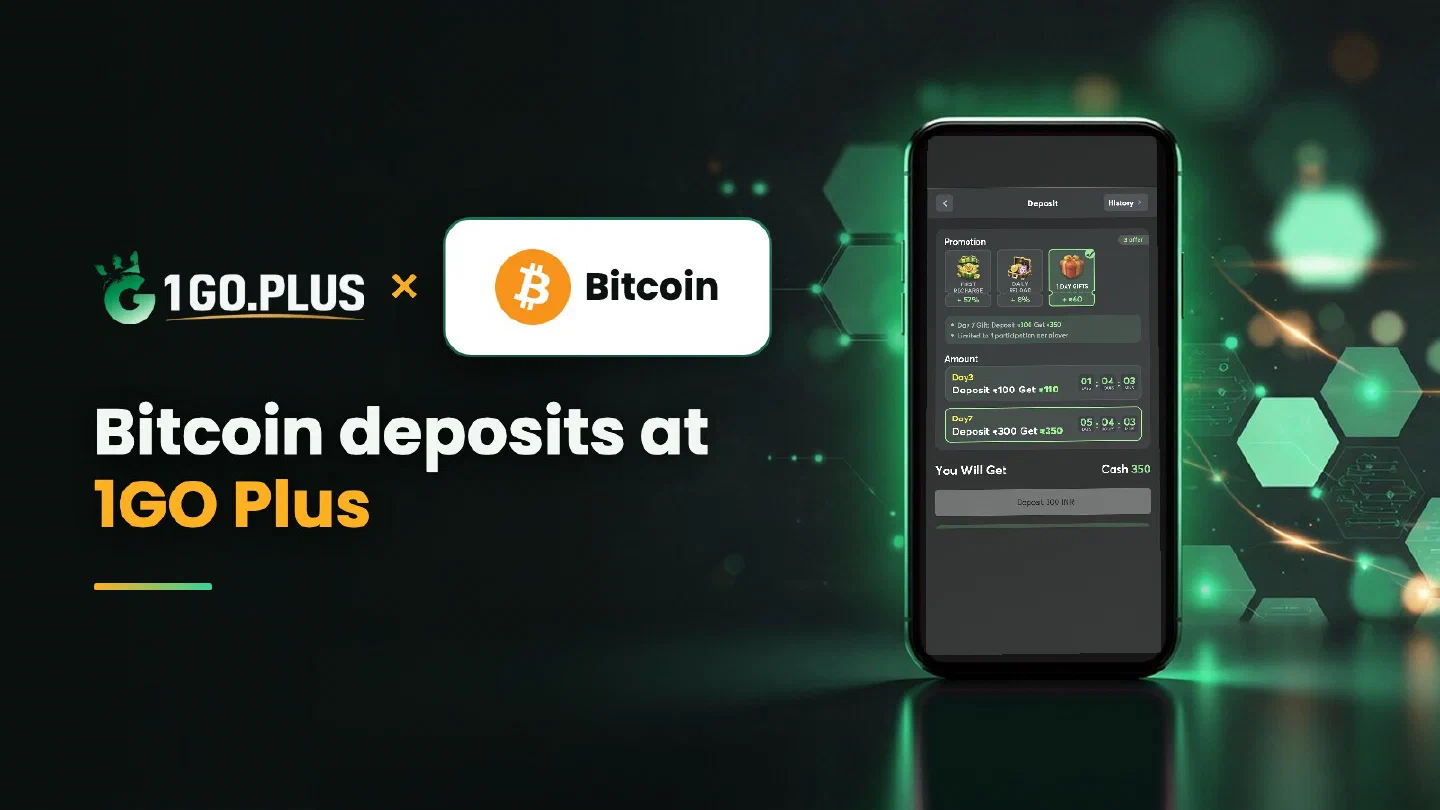
How a Bitcoin deposit works at 1GO Plus
Three statuses matter: sent, confirmed and credited. Each lives in a different place, and this page walks you through all three.
Players from India recharge 1GO Plus with Bitcoin by choosing Bitcoin in the cashier, copying the address from the order screen and sending BTC from a wallet or an exchange account in their own name. The TXID lets you follow the transfer until your balance updates, and the first-deposit bonus is credited automatically after the deposit. Winnings go out to your UPI ID or bank account. For other options, browse all 1GO Plus payment methods, or see USDT on TRC20 or BEP20 if you prefer a dollar-linked coin.
How to recharge 1GO Plus with Bitcoin#
- Tap the + next to your balance and choose Bitcoin.
- Copy the address from the order screen.
- Send BTC from your wallet or exchange.
- Follow the TXID until the status reads credited.
The amount and the available options are shown in the cashier of your account. Send from a wallet or exchange account in your own name.
From exchange to cashier in three moves#
- Buy BTC for rupees on your exchange.
- In the withdrawal form, pick the native Bitcoin network, plain Bitcoin rather than a wrapped BTC on another network, and paste the address from your order.
- Copy the TXID the exchange gives you and keep it for the next section.
Copy the Bitcoin address from the order screen#
Take the address from the open order screen with the copy button or the QR, then compare the first and last characters in your wallet before you press Send. Bitcoin addresses begin with 1, 3 or bc1, and each of these is a Bitcoin address; the transfer itself is an on-chain Bitcoin transfer. Check the network and the address before you send: a blockchain transfer is final once it is on its way.
Sent, confirmed, credited: what each status means#
| Status | Where you see it | Your next step |
|---|---|---|
| Sent | Your wallet or exchange history, with the TXID | Copy the TXID |
| Confirmed | A block explorer, searched by TXID | Let the network include the transfer |
| Credited | Balance and history in your 1GO Plus account | Collect your bonus |
Why a transfer waits in the queue#
Bitcoin transfers join a queue called the mempool, and the fee level you choose in your wallet decides how soon miners pick yours up. Many wallets show a speed-up option for a transfer in the queue. Open the TXID in a block explorer to see where it stands.
Bitcoin sent, balance still waiting#
- Copy the TXID from your wallet or exchange history.
- Open it in a block explorer and read the status.
- Compare the receiving address with the one on your order screen.
- Confirm that the Bitcoin network was selected when you sent.
- Open a Payment Ticket with a screenshot of the transaction details, TXID visible.
- Send the order ID, the time and the TXID to bonus support.
What your Bitcoin is worth in rupees#
The Bitcoin rate keeps moving, so the rupee value is fixed at the moment you create the order: the cashier shows the INR value at that moment. Check the amount on your order screen and send soon after you create the order. If you like a steadier reference to the dollar, USDT on TRC20 or BEP20 is the dollar-linked option.
Cash out winnings after a Bitcoin recharge#
Your BTC went in as an on-chain transfer, and your winnings come out as rupees: open Withdraw and choose your UPI ID (UPI ID withdrawals) or a bank account with account number and IFSC in your own name (withdraw to your bank account). Rupees usually land in about 5 minutes; a bank sometimes adds processing time.
The Withdraw screen in three lines#
- Withdrawable is the amount you can request now, and it can sit below your total balance.
- Turnover Requirement is the turnover a bonus still needs, as explained in withdrawal after a bonus.
- Daily Limitation is today’s maximum, and your VIP level raises it.
Wager your deposit once and the withdrawal goes out free of commission; the wagering requirements page has the details.
Bitcoin, Litecoin or Ethereum?#
- Bitcoin suits players who already hold BTC.
- Litecoin is a lighter coin with the same order of steps.
- Ethereum runs on the Ethereum network and has steps of its own.
Whichever you pick, your bonus arrives automatically: see first deposit cashback, the recharge bonus and the Weekly Pass.