
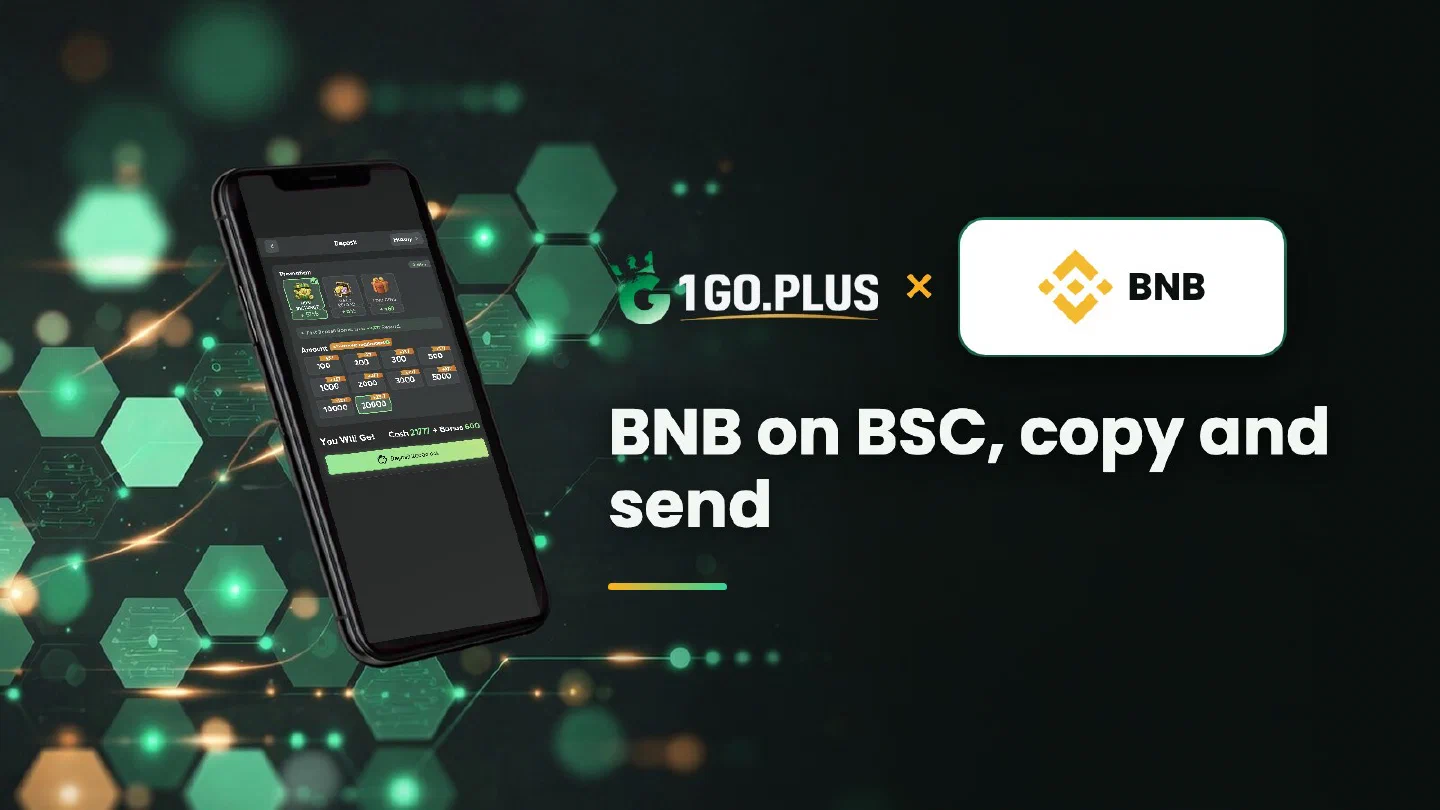
How BNB works at 1GO Plus
BNB is the coin, BSC is the road: send on the network named in your order and the balance follows.
BNB is one of the crypto methods available at 1GO Plus for players in India. Create an order in the cashier, read the network on the order screen, copy the address and send from your wallet or exchange with the same network chosen. BNB lives on BNB Smart Chain (BSC), where network fees are paid in BNB and addresses start with 0x, and the USDT BEP20 option in the cashier runs on the same network. Your balance and first-deposit bonus are added automatically, and winnings go out to your UPI ID or bank account, usually in about 5 minutes. The other methods are in all payment methods.
BNB, BSC, BEP20: what is what?#
These names circle around the same corner of crypto, and a short glossary keeps them apart.
| Term | What it means |
|---|---|
| BNB | The coin; it pays the network fee on BSC |
| BSC (BNB Smart Chain) | The network where BNB and BEP20 tokens live |
| BEP20 | The token standard on BSC; USDT BEP20 is a token of this standard |
| BNB Chain | The brand name of the network, used alongside BSC |
| Binance | An exchange where BNB can be bought, separate from the network |
On your order, look for the network name: it is the one to choose in your wallet or exchange.
How to deposit BNB at 1GO Plus#
- Tap + beside your balance and pick BNB.
- Enter an amount; the order screen shows the address to pay.
- Copy it into the send form of your wallet or exchange.
- Set the network to BNB Smart Chain (BSC), as named on your order.
- Confirm the transfer from an account in your own name.
Balance and bonus follow automatically; a little BNB in the sending wallet covers the fee.
BSC and the 0x address#
A BSC address starts with 0x and looks just like the addresses of other networks, so the network name is what decides. Ethereum and Polygon use the same format; the side-by-side comparison is in Polygon vs Ethereum vs BSC, and the Ethereum guide covers the first of them.
Match the network before you send#
Compare three things before you send: the network name on your order, the network in your send form and the wallet you send from. A network named BSC on the order matches BNB Smart Chain (BEP20) in the withdrawal form of an exchange. When the names agree, the deposit is on its way.
BNB or USDT BEP20: what do I send?#
Send the asset your order screen shows. BNB and USDT on BSC are separate options in the cashier, and the USDT guide compares USDT on BSC with USDT on TRON.
BNB pays the fee for USDT too#
Every transfer on BSC pays its network fee in BNB, including a USDT BEP20 transfer. A little BNB in the sending wallet keeps either one moving.
BNB sent but the balance did not change#
Follow the transfer on BSC:
- Find the TXID in your wallet or exchange history.
- Paste it into BscScan to read the status.
- Compare the 0x address and BSC network with your order screen.
- Open a Payment Ticket with the payment screenshot, TXID visible.
- Still waiting? Send the order ID, time and TXID to bonus support.
BNB deposit on BSC, winnings in rupees#
A BNB deposit made over BNB Smart Chain leaves you with a rupee balance, and winnings leave the same way. Open Withdraw, pick your UPI ID or a bank account with account number and IFSC in your own name (bank transfer has the form) and request an amount within Withdrawable. About 5 minutes is typical, while the bank side can take a little longer. Wager the deposit one time and the withdrawal is free of commission.
Three Withdraw labels, one line each#
| Label | Meaning |
|---|---|
| Withdrawable | What you can take out now; may sit below the total balance |
| Turnover Requirement | Turnover a bonus still needs; see withdrawal after a bonus |
| Daily Limitation | Today’s cap, lifted by your VIP level |
BNB, Binance Pay or USDT: which page do I need?#
| If you want | Pick |
|---|---|
| The coin and the network behind BNB | BNB, this page |
| To pay with a Pay ID or QR from the Binance app | Binance Pay |
| The coin, the choice of TRC20 or BEP20 and buying USDT in India | USDT |
Your first deposit brings 37% cashback and gifts of up to ₹1777, described in first deposit cashback, and the Weekly Pass adds daily rewards for 7 days.