
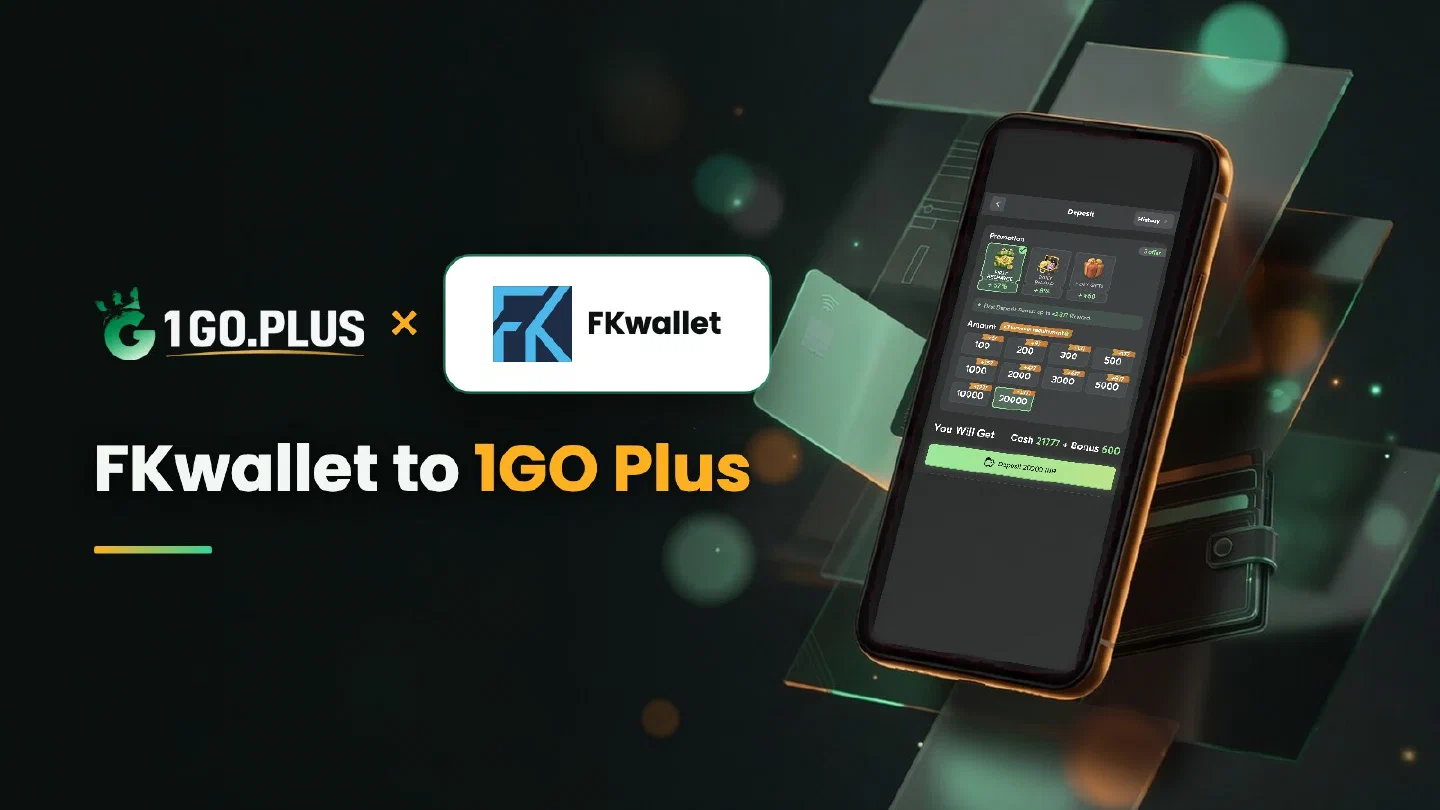
How FKwallet works at 1GO Plus
Fund your FKwallet, then pay the cashier from the wallet balance.
FKwallet is one of the ways to recharge 1GO Plus from India, and it suits anyone who keeps crypto in a wallet. Top up FKwallet, choose it in the cashier and confirm the payment from your wallet balance; your balance grows and your bonus is credited automatically. Winnings come back in rupees to your UPI ID or bank account and usually land in about 5 minutes. If your crypto already sits on the USDT network, the cashier also lists a direct USDT option. Every other method is in all payment methods.
How to recharge 1GO Plus from your FKwallet balance#
- Top up FKwallet with crypto so the balance covers the amount you plan to recharge.
- Log in to 1GO Plus, tap the + next to your balance and pick FKwallet under Method.
- Choose an amount from the ones the cashier shows for your account.
- Confirm the payment from your FKwallet balance and come back to 1GO Plus.
Your deposit and your bonus are credited together. Use a wallet registered in your own name, just as the account you withdraw to is in your own name.
Fund FKwallet first#
Add crypto to FKwallet before you open the order. The wallet balance should cover the recharge amount; when you want to recharge more later, top up the wallet again and start a new order. The cashier shows the options open to your account each time you open Deposit.

New to 1GO Plus? 7 Day Gifts are made for new players, and the daily steps are on the 7 Day Gifts page.
FKwallet or direct USDT?#
Crypto holders have two roads into the cashier:
- FKwallet fits you when your balance already sits in the wallet. You pay from the balance and the cashier does the rest.
- Direct USDT fits you when you prefer to send from your own wallet. Pick TRON for TRC20 or BSC for BEP20 in the cashier, and send on the same network. Checking the network and the address before you send keeps the payment on track; the full steps are in USDT on TRC20 or BEP20.
Either way the bonus is credited automatically after the deposit.
FKwallet shows the payment as sent, balance unchanged#
- Check the order status. The cashier shows when the payment completes and the balance moves.
- Open the FKwallet history and screenshot this payment.
- File a Payment Ticket with the screenshot; the support team links it to your order.
- Still waiting? Write to bonus support with the order ID and the time.
The Payment Guarantee covers slow deposits: 1% of the amount after a 3-minute delay, 10% after 2 hours and 100% after 4 hours.
Crypto in, rupees out#
Your FKwallet balance, topped up with crypto, pays for the recharge. The payout returns in rupees to the UPI ID or bank account you add under Withdraw: your own name, and account number plus IFSC for a bank. It usually lands in about 5 minutes, and the UPI guide and bank transfer guide show how to add either one.
Request an amount up to Withdrawable and confirm. After one full wager of your deposit the payout is free of commission, and a first payout may bring a request for an ID, an address or a selfie.
Reading the Withdraw screen#
- Withdrawable may sit below the balance; it is the part open for payout now.
- Turnover Requirement counts the bonus turnover left; clear it first (withdrawal after a bonus, wagering requirements).
- Daily Limitation caps one day’s payouts and rises with your VIP level.

The Weekly Pass starts from ₹300 and is worth up to 160% of its price over 7 days, so a funded wallet makes it a quick pick. The recharge bonus and first deposit cashback pages show how the other offers add up.
FKwallet or Piastrix?#
Both wallets pay the order from your balance, so choose the one where your funds already are. Piastrix wallet payments put the spotlight on following an operation in the wallet history.