
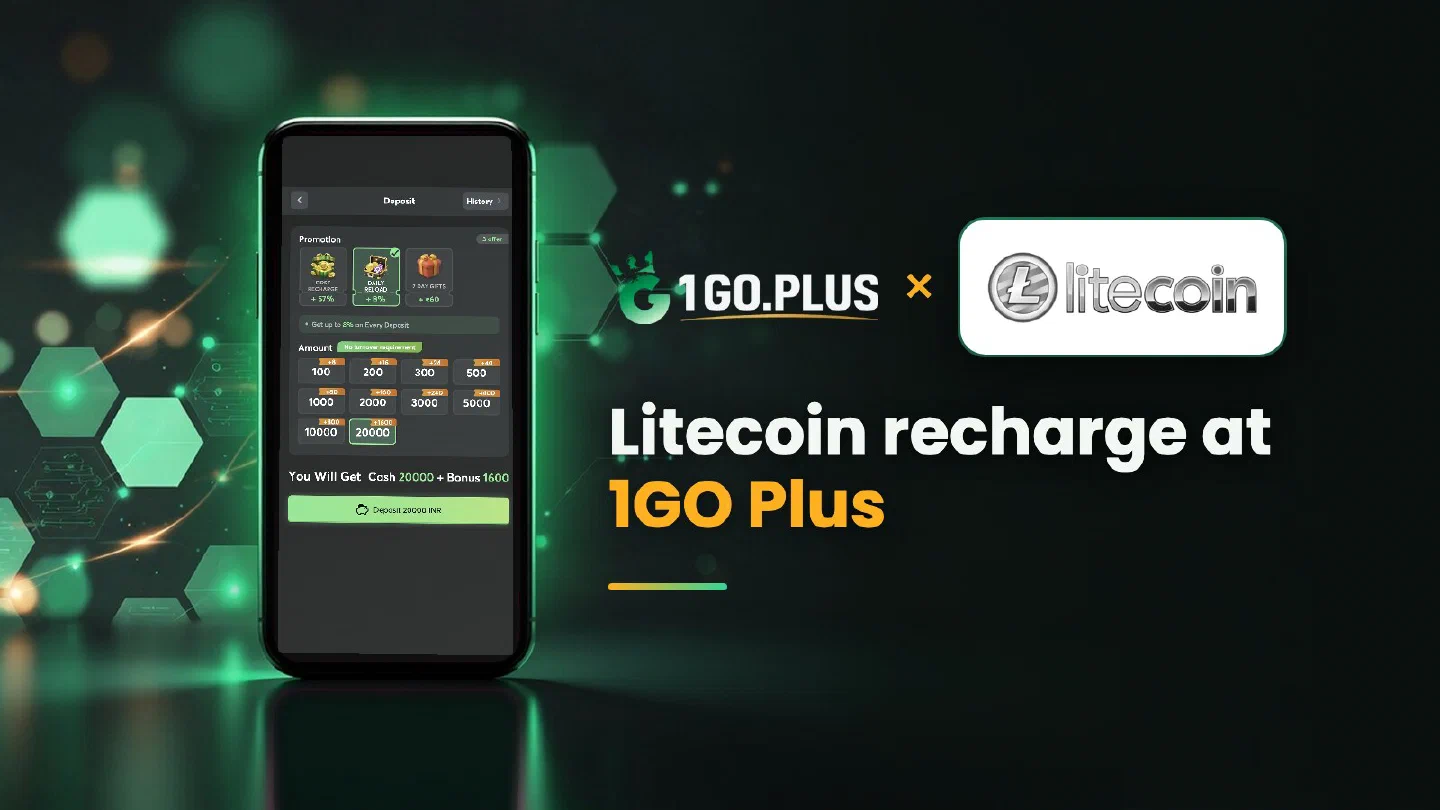
How a Litecoin deposit works at 1GO Plus
Litecoin keeps the Bitcoin-style flow of address, TXID and balance with more frequent blocks, so the checks that matter come before you press Send.
Recharge 1GO Plus with Litecoin by choosing Litecoin in the cashier, copying the address from the order screen and sending LTC on the Litecoin network from your wallet or exchange. Litecoin blocks arrive more often than Bitcoin blocks, so the checks that matter come before you press Send: the address and the network. Your first-deposit bonus is credited automatically after the deposit, and winnings are withdrawn to your UPI ID or bank account. Browse all 1GO Plus payment methods, or see USDT on TRC20 or BEP20 if you prefer a dollar-linked coin.
How to recharge 1GO Plus with Litecoin#
- Tap the + next to your balance and choose Litecoin.
- Copy the address from the order screen.
- Send LTC on the Litecoin network from your wallet or exchange.
- Your balance and bonus are added automatically.
The amount and the available options are shown in the cashier of your account. Send from a wallet or exchange account in your own name: it keeps the deposit and any later verification simple.
From exchange to cashier#
Buy LTC for rupees on your exchange, choose the Litecoin network in the withdrawal form and paste the address from your order screen.
Litecoin address: L, M or ltc1#
All three beginnings, L, M and ltc1, are Litecoin addresses. A Bitcoin address begins differently (1, 3 or bc1), so confirm the coin in your withdrawal form, and copy the address with the button instead of typing it. Check the network and the address before you send.
| Address starts with | Coin |
|---|---|
| L or M | Litecoin |
| ltc1 | Litecoin |
| 1, 3 or bc1 | Bitcoin |
Address alone#
Litecoin works with the address alone. If your order screen shows an extra field, fill it in exactly as shown.
Litecoin left your wallet: where is it now?#
Because Litecoin blocks arrive more often than Bitcoin blocks, most questions trace back to the address or the network, so check those two first.
- Check the withdrawal status on your exchange.
- Copy the TXID and open it in a Litecoin block explorer.
- Compare the address and the network with your order.
- Open a Payment Ticket with a screenshot of the transaction details, TXID visible.
- Send the order ID, the time and the TXID to bonus support.
Litecoin blocks arrive often, which makes the explorer a good place to follow the transfer; the three statuses of a crypto transfer are explained on the Bitcoin page.
Value in rupees#
The cashier shows the INR value at the moment of the order. The LTC rate keeps moving, so check the amount on your order screen before you send.
LTC recharged, rupees withdrawn#
With your Litecoin deposit credited, winnings need only the Withdraw button. Select your UPI ID (UPI ID withdrawals) or a bank account with account number and IFSC in your own name (withdraw to your bank account), then request an amount within Withdrawable. Rupees usually land in about 5 minutes, and a bank sometimes adds processing time.
Three labels that shape a Withdraw request#
All three sit on the Withdraw screen: Withdrawable can be smaller than the whole balance, Turnover Requirement may still hold bonus turnover (complete it first, as in withdrawal after a bonus), and Daily Limitation is the day’s maximum, which rises with your VIP level.
After one wager of your deposit the withdrawal is free of commission; see wagering requirements.
Litecoin, Bitcoin or Dogecoin?#
- Litecoin is a Bitcoin-style coin with more frequent blocks.
- Bitcoin has a guide to statuses and the transfer queue.
- Dogecoin has a guide to checking the network before you send.
Your bonus arrives automatically with the deposit: see the free sign-up rewards, first deposit cashback and the recharge bonus.