
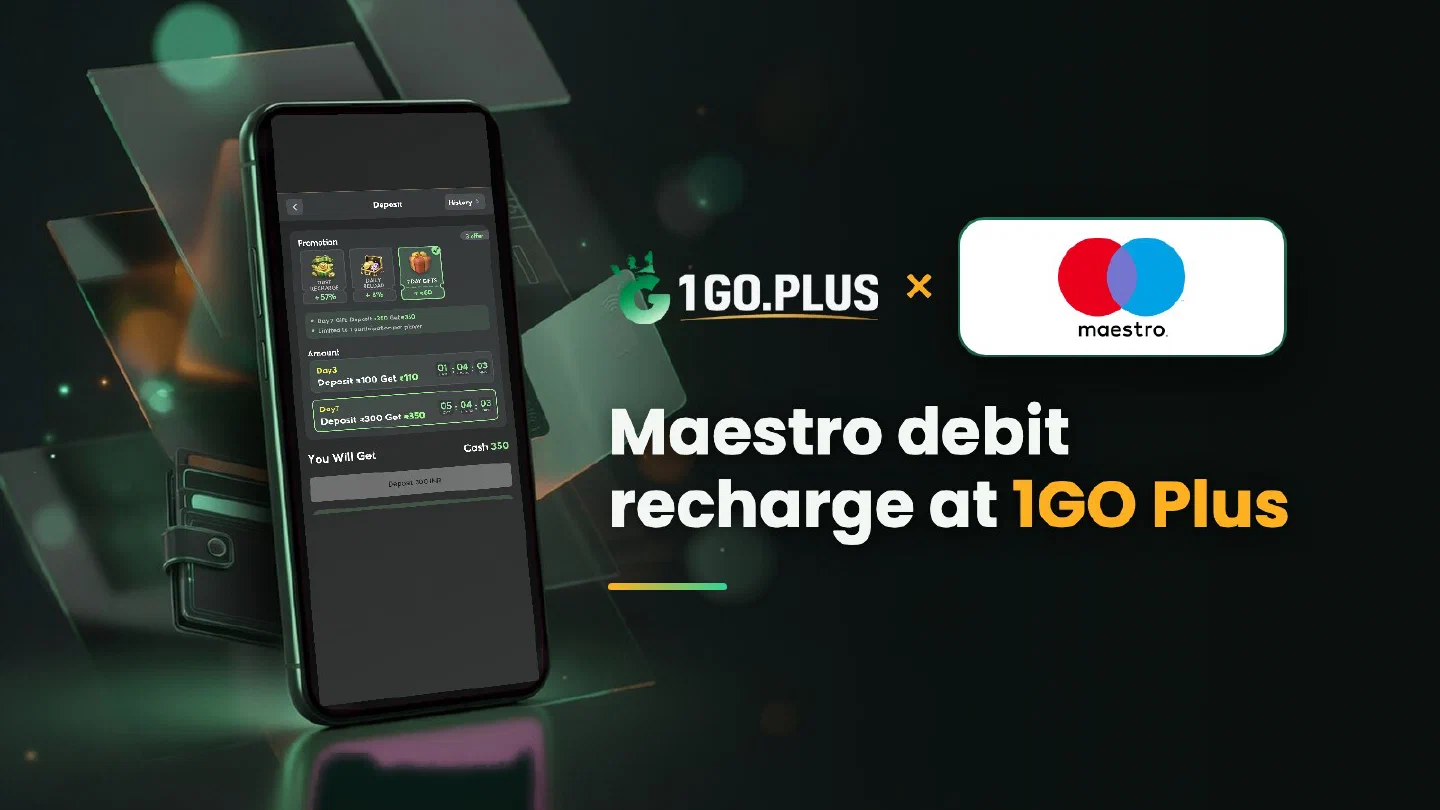
How a Maestro payment works at 1GO Plus
A Maestro card pays from the account behind it, so the bank settings come first.
Maestro is the debit card brand of Mastercard, so every Maestro payment comes straight from the balance of the bank account behind the card. To recharge 1GO Plus, switch on online use in your bank app, pick the Maestro card option in the cashier and approve the payment with your bank’s OTP. Winnings go out to the bank account behind your card or to your UPI ID. Because the card and the account are linked, the settings in your bank app come first and the cashier steps follow. Other options are listed in all payment methods.
Maestro card declined online? Switch on online use#
Banks often issue a new debit card with online use switched off. The switch lives in your bank app or internet banking, under card controls or manage card. Turn on online use, and add international use as well when your app lists it as its own setting.
Daily online limit#
Your bank sets how much a debit card can pay online in one day. When your recharge is above that figure, raise the limit in the same card controls screen and try the payment again.
OTP step#
The bank sends an OTP to the number registered with it, or asks you to approve the payment in its app. Keep that phone within reach and stay on the payment page until the result appears. A changed number is updated at the bank.
How to recharge 1GO Plus with a Maestro debit card#
- Tap the + next to your balance to open Deposit.
- Choose the Maestro card option and an amount.
- Enter the card details on the payment page; the card and the account behind it carry your own name.
- Approve with the OTP or in your banking app.
Money leaves your account right away: how to follow the payment#
With a debit card the amount is taken or held on your account at once. Then follow the order status in the cashier: the balance is credited after your bank’s approval reaches 1GO Plus. When an order stops before completion, your bank returns the amount to the same account. If the order status stays as it is, open a Payment Ticket with a screenshot of the payment, or send the order ID and time to bonus support.
The Payment Guarantee covers slow deposits: 1% of the amount after a 3-minute delay, 10% after 2 hours and 100% after 4 hours.
Maestro or Mastercard debit?#
Banks sometimes re-issue a Maestro card as a Mastercard debit card. If yours has been re-issued, follow the Mastercard guide: the cashier steps are the same, and your account number and IFSC remain unchanged.
Withdraw to the account behind your card#
Winnings go to the bank account behind your card or to the UPI ID of that account — both are payout routes of 1GO Plus for India. Withdrawals usually land in about 5 minutes, and a bank sometimes adds processing time.
- Open Withdraw, choose Add Bank Account and enter the account number and IFSC, or choose Add UPI Account.
- Request an amount within Withdrawable.
- Confirm the withdrawal.
Your IFSC is printed in your bank app, on your cheque book and on the passbook; the bank transfer guide shows where to look. Use an account in your own name — 1GO Plus may ask you to confirm your identity before a cash-out.
Why Withdraw does not respond#
- Turnover Requirement shows the turnover still open from a bonus; complete it first, as explained in withdrawal after a bonus.
- Withdrawable can be lower than your total balance.
- Daily Limitation is today’s maximum and rises with your VIP level. Wager your deposit once and the withdrawal goes out free of commission.
Maestro or UPI from the same account?#
| You want | Pick |
|---|---|
| To pay with the card details | Maestro, this page |
| To pay through a UPI app from the same account | UPI |
| To pay with a credit card | Mastercard or Visa |
Whichever you choose, your first recharge brings first deposit cashback, and the recharge bonus, the Weekly Pass and the Super Raffle are there for the days after.