
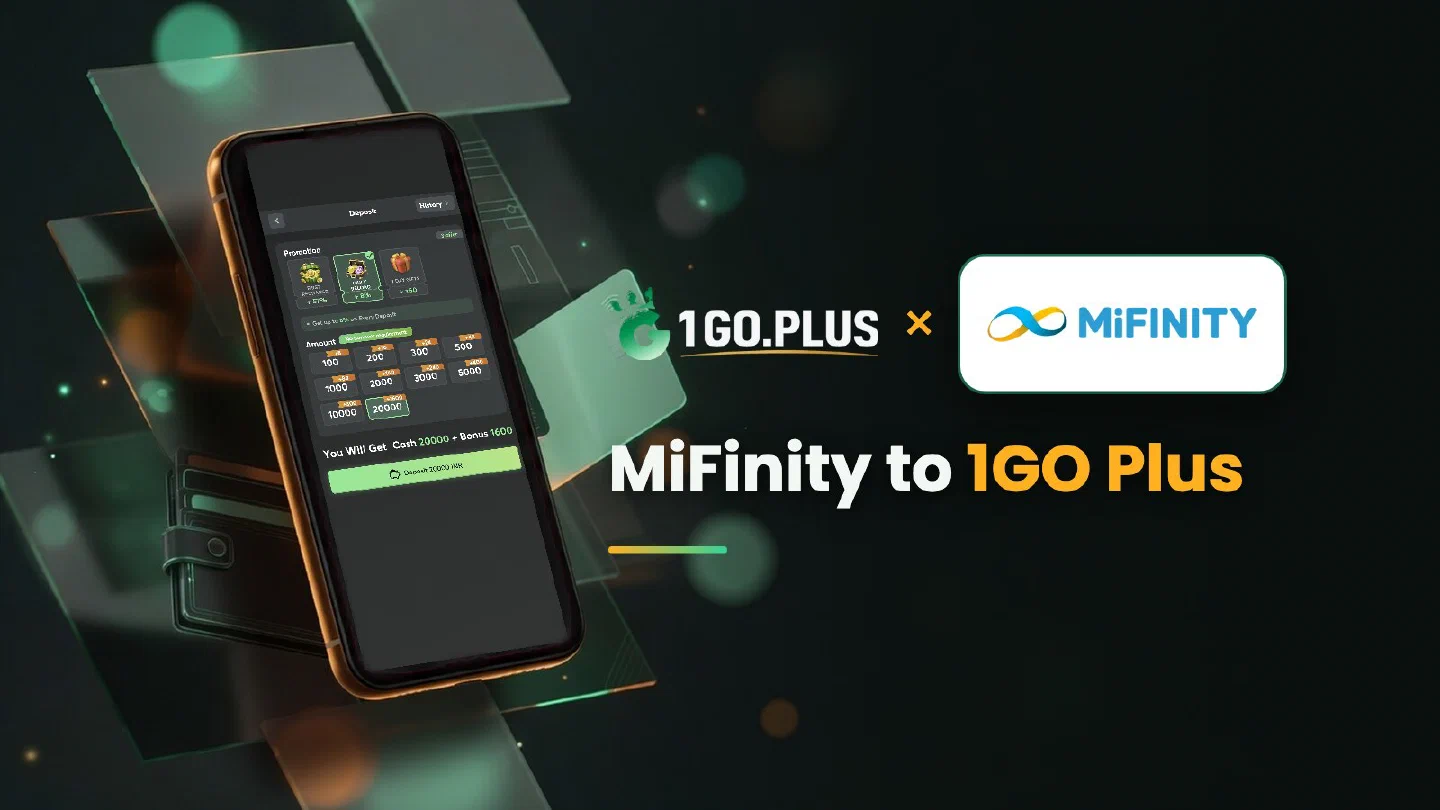
The MiFinity route at 1GO Plus
Your recharge goes in from MiFinity; your winnings come out to your UPI ID or bank account — here is the whole route.
MiFinity is an e-wallet from MiFinity UK Limited and one of the ways to recharge 1GO Plus from India: choose MiFinity in the cashier, enter the amount and confirm the payment in your account. Your balance and first-deposit bonus are credited automatically. Winnings leave through a different door, your UPI ID or bank account, and withdrawals there usually land in about 5 minutes. This page follows the whole route from wallet to bank, step by step, and the other options are collected in all payment methods.
Recharge 1GO Plus from your MiFinity account#
- Check that your MiFinity account is in your own name and holds the amount you plan to recharge; top up MiFinity with its own options if needed.
- Tap the + next to your balance to open the cashier, pick MiFinity and enter the amount.
- Confirm the payment in MiFinity; the screen shows the amount and any currency conversion.
- Your balance updates when the order completes, and the first-deposit bonus is added automatically.
Three quick checks before you pay#
- Name. Use a MiFinity account in your own name.
- Verification. MiFinity verifies your account inside the wallet.
- Amount. The confirmation screen shows the amount and the conversion, so compare it with your order before you approve. The Neteller guide explains name match and verification in more detail.

Where your winnings go after a MiFinity recharge#
Open Withdraw, choose where the money should go, enter an amount within Withdrawable and press the withdraw button. Withdrawals to your UPI ID or bank account usually land in about 5 minutes, and your bank may take longer. Wager your deposit once and the withdrawal goes out free of commission. 1GO Plus may ask for a photo ID, an address proof, a selfie or a call before a withdrawal.
UPI ID or bank account: which one to add#
- UPI ID. Choose Add UPI Account and enter your name and UPI ID. It is the quick route.
- Bank account. Choose Add Bank Account and enter the account number and IFSC; the bank withdrawal guide shows the details.
Both belong in your own name, and Edit fixes a detail before you send the request.
Moving money back into MiFinity#
Winnings arrive at your UPI ID or bank account. If you want the money in your wallet again, top up MiFinity with the wallet’s own options; that step lives on the MiFinity side.
Why Withdraw does not go through#
- Withdrawable can be smaller than your total balance — it shows what you can take out now.
- Turnover Requirement shows the turnover still open from a bonus; see withdrawal after a bonus.
- Daily Limitation is today’s maximum and rises with your VIP level.
MiFinity approved the payment, but the balance is waiting#
The order closes when both sides show the same payment. Five steps bring them together:
- Open the order page and read the status and the expected time.
- Compare the order amount with the amount in MiFinity.
- Save a screenshot of the payment from MiFinity.
- Open a Payment Ticket under the order and attach the screenshot.
- Send the order ID and the time to bonus support.
Stay on the same order while it completes. Late payment? The Payment Guarantee compensates late deposits, up to 100% of the amount.
A higher VIP level raises the daily withdrawal limit, and the VIP daily cashback grows with your level; see VIP levels and daily cashback.

MiFinity, Neteller, MuchBetter or UPI#
| Your situation | Pick |
|---|---|
| A separate wallet account for online payments | MiFinity |
| A wallet already verified in your own name | Neteller |
| Approving payments in a mobile app | MuchBetter |
| A quick payment from any UPI app | UPI |
Winnings go to your UPI ID or bank account in every case, and the first deposit cashback and Weekly Pass are available with your deposit.