
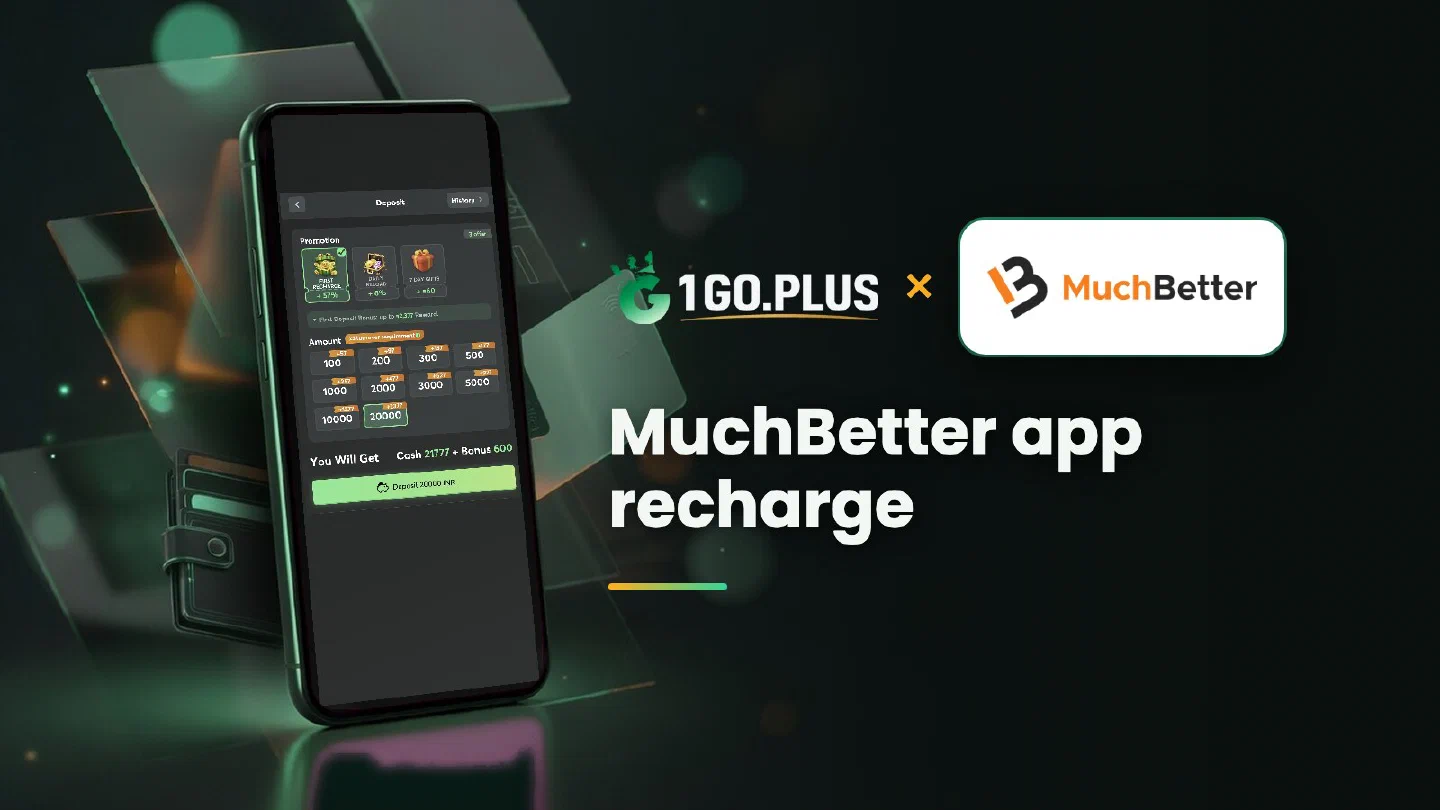
How MuchBetter fits the 1GO Plus cashier
The cashier starts the payment, the app on your phone approves it, and your UPI ID or bank account receives the winnings.
MuchBetter is a mobile wallet and one of the ways to recharge 1GO Plus from India. Pick MuchBetter in the cashier, enter the amount and approve the payment in the app on your phone. Your balance and first-deposit bonus are credited automatically, and winnings go out to your UPI ID or bank account, where withdrawals usually land in about 5 minutes. If the approval request takes a moment to show up, open the app yourself and look for it. The full list of options is in all payment methods.
Recharge from the MuchBetter app: four taps#
- Tap the + next to your balance to open the cashier, pick MuchBetter and enter the amount.
- Watch for the payment request on your phone and open the MuchBetter app.
- Check the amount and confirm in the app.
- Your balance updates when the order completes, and the first-deposit bonus is added automatically.
Because MuchBetter is a mobile wallet, the cashier and the app work as a pair: the cashier creates the order for your amount, and the app is where you give the final go-ahead. The order page shows the expected time, so keep both open side by side.
A few phone checks keep the approval smooth:
- The MuchBetter app is up to date.
- Your internet connection is on.
- Notifications are allowed in your phone settings.
- You are signed in to your own account.
The payment is waiting for approval in the app#
The order stays open until you confirm it in the app. Four steps move it along:
- Open the app and find the payment request.
- Check the amount and confirm.
- Waiting for the request? Restart the app and look at the order status in the cashier.
- One order at a time. Start a second recharge after the first has completed.
Approved in the app, balance still waiting#
Check the order status, save a screenshot of the payment from the app and attach it to a Payment Ticket under the order. If the order stays open, send the order ID and the time to bonus support. Late payment? The Payment Guarantee compensates late deposits, up to 100% of the amount.
New to 1GO Plus? You get ₹100 free when you sign up — the welcome bonus page has the signup gift.
Name, verification and currency in the MuchBetter app#
- Name. Use a MuchBetter app registered in your own name.
- Verification. MuchBetter verifies your account inside the app.
- Currency. The confirmation screen shows the amount and any conversion, so compare it with your order before you approve.
Cash out after a MuchBetter recharge#
Your MuchBetter app handles the recharge; payouts go to a UPI ID or a bank account instead, with your own name on it. Bank accounts need the account number and IFSC. Payouts usually land in about 5 minutes, and your bank may need a bit longer.
- Open Withdraw and choose Add UPI Account (name and UPI ID) or Add Bank Account.
- Look the saved details over: Edit fixes a typo in the name or UPI ID before the request goes out.
- Ask for an amount up to Withdrawable and press the withdraw button.
Your deposit wagered once makes the payout free of commission. 1GO Plus may ask for an ID, an address proof, a selfie or a call before a payout.
What limits a payout#
- Withdrawable can be smaller than your total balance; it is the amount you can take out now.
- Turnover Requirement is the open bonus turnover, explained in withdrawal after a bonus.
- Daily Limitation is the maximum for today and rises with your VIP level.
MuchBetter or PhonePe for daily recharges#
| Your situation | Pick |
|---|---|
| A wallet balance you approve in an app | MuchBetter |
| A UPI payment from your bank account | PhonePe or UPI |
| A balance you load first | AstroPay |
Winnings go to your UPI ID or bank account in every case, and the first deposit cashback and recharge bonus arrive automatically with your deposit.