
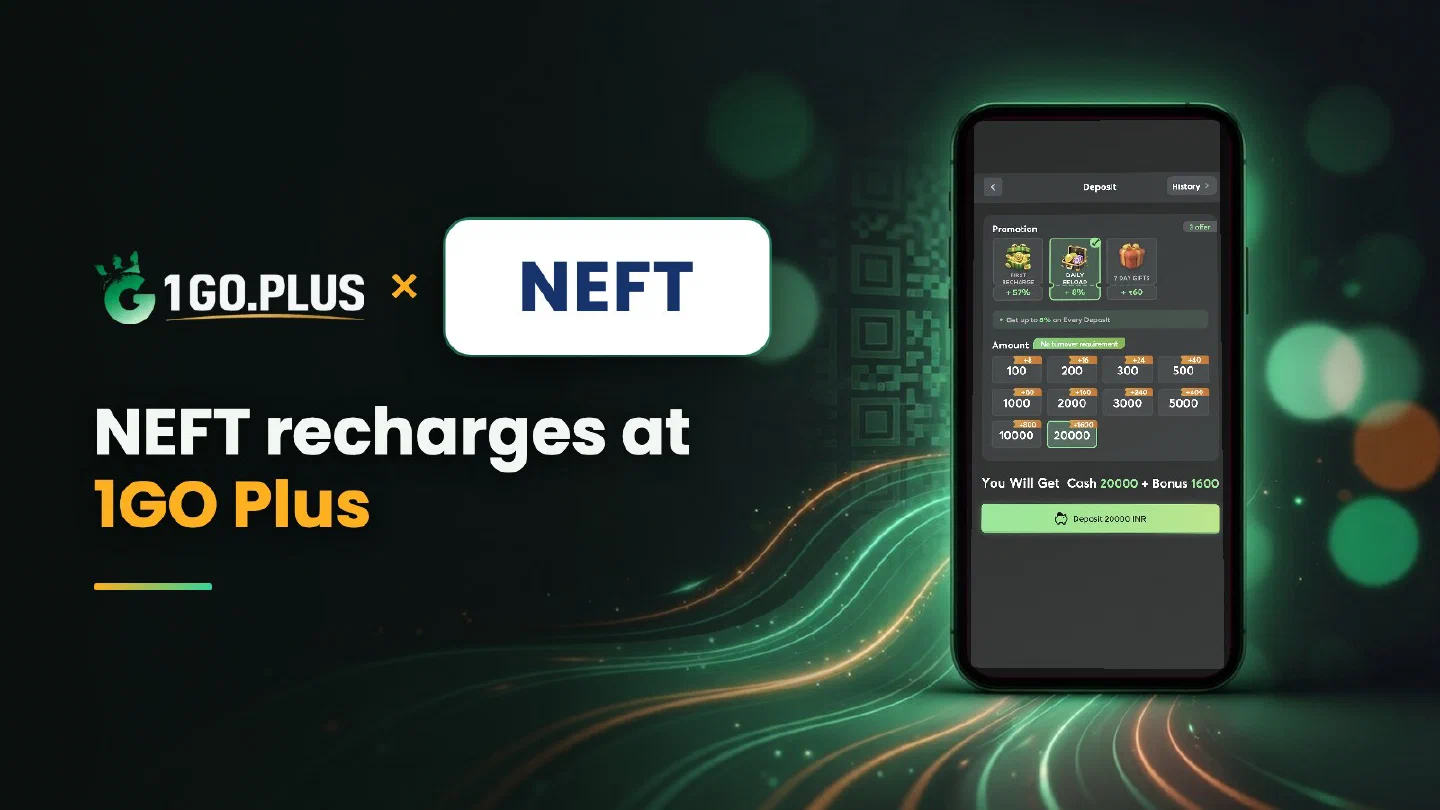
How NEFT works at 1GO Plus
NEFT moves money in settlement batches around the clock; below are the timing, the steps and what to do if the balance lags.
NEFT is available at 1GO Plus for players in India: choose NEFT in the cashier and send the transfer from your bank, following the order details. NEFT settles payments in batches around the clock, so the order in the cashier is your guide — it shows when 1GO Plus has received your transfer — and the balance and your first-deposit bonus are then added automatically. Winnings go to your UPI ID or bank account and usually land in about 5 minutes. Sent a transfer but no balance yet? The UTR from your statement and Submit UTR settle it. For every other method see all payment methods.
NEFT timing: when does my transfer arrive#
NEFT works 24/7, Sundays and bank holidays included, and it moves money in settlement batches. Your transfer joins the next batch, and the order in the cashier shows when 1GO Plus has received it. The batch rhythm belongs to the banking network itself, so the order status is the clock to watch.
Prefer a transfer from your bank app that goes bank to bank at any hour? IMPS bank deposits are made for that.
How to recharge 1GO Plus with NEFT#
- Tap the + next to your balance to open the cashier.
- Choose NEFT and enter the amount.
- Send the transfer from your bank, following the order details on screen.
- Follow the order until it shows that 1GO Plus has received the transfer.
- The balance and your first-deposit bonus are added automatically.
Which account to send from#
Send the transfer from a bank account in your own name. It keeps the deposit and any later verification simple, and the statement that holds your UTR is then your own.
NEFT sent but the balance did not change#
- Check the order status in the cashier; it shows whether 1GO Plus has received the transfer.
- Find the UTR. It sits in your bank statement or in the confirmation of the transfer.
- Submit UTR under the matching order. The cashier matches the reference to your recharge.
- Open a Payment Ticket. Attach a screenshot of the payment.
- Still waiting? Send the order ID, time and UTR to bonus support.
NEFT payment pending#
Let the settlement batch pass and watch the order status. A failed debit returns to your bank account, and a successful transfer reaches your order through Submit UTR. One payment per order keeps everything easy to trace.
Cash out after a NEFT recharge#
Winnings go to your UPI ID or your bank account (account number and IFSC) in your own name — the cash-out routes of 1GO Plus for India. Withdrawals to your UPI ID or bank account usually land in about 5 minutes, and your bank’s own processing can add a little time. Adding a bank account and finding its IFSC are covered step by step in the guide to withdrawing to your bank account.
Why Withdraw does not go through#
- Withdrawable can be smaller than your total balance — it shows what you can take out now.
- Turnover Requirement shows the turnover still open from a bonus; complete it first, as explained in withdrawal after a bonus.
- Daily Limitation is today’s maximum and rises with your VIP level.
- Wager your deposit once and the withdrawal goes out free of commission.
NEFT, IMPS or bank transfer?#
| If you want | Pick |
|---|---|
| A planned transfer that settles in batches | NEFT |
| A transfer from your bank app, 24/7, for larger amounts | IMPS |
| The route for your winnings back to a bank account | Bank transfer |
Whichever you choose, your first recharge brings 37% cashback and cash gifts of up to ₹1777 — see first deposit cashback — and every recharge adds 2% Free Cash and 3% Bonus, as described in recharge bonus. A Weekly Pass starts from ₹300 and is worth up to 160% of its price over 7 days. The Net Banking guide shows the login-and-OTP way to pay from the same bank account.