
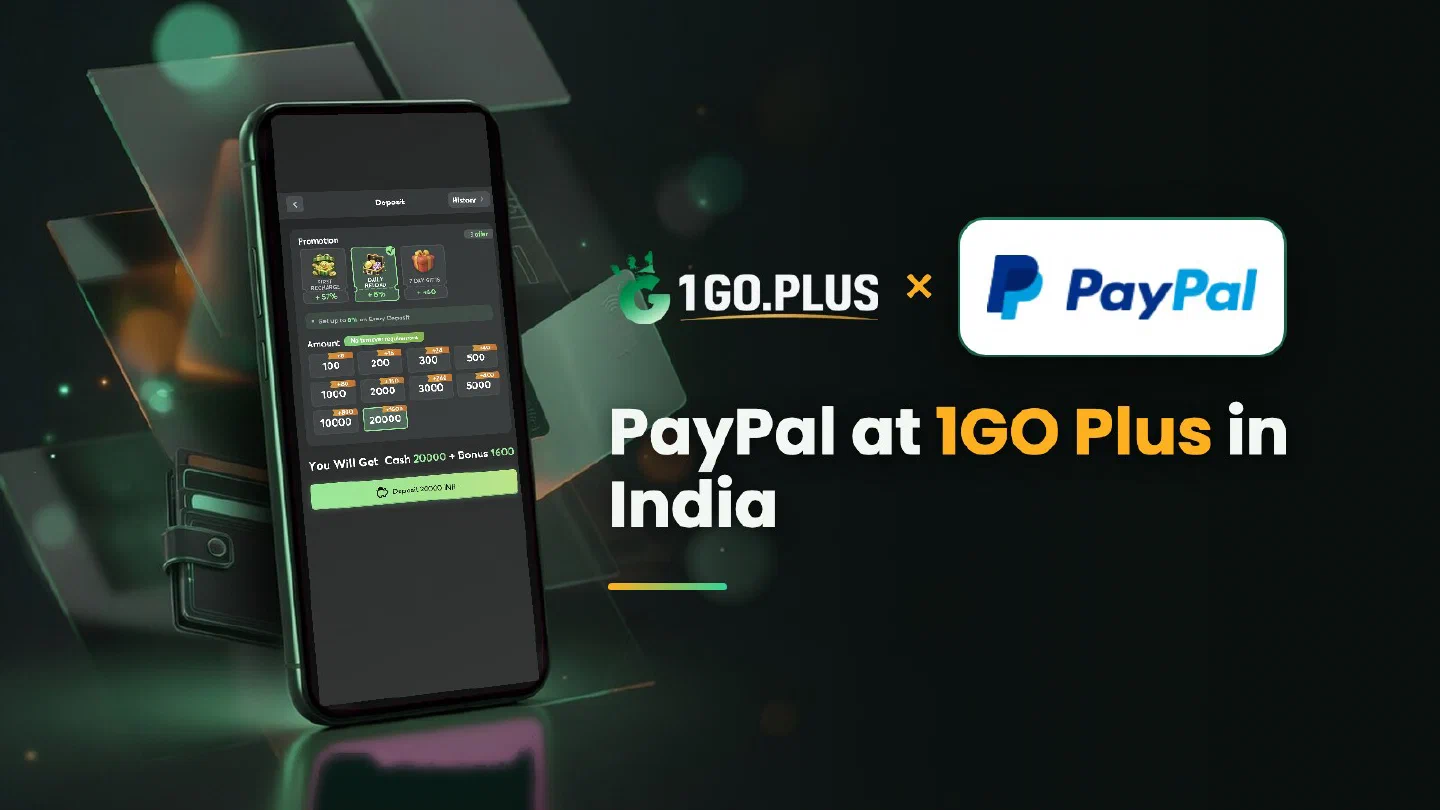
How PayPal fits the 1GO Plus cashier in India
PayPal handles the funding and the exchange rate on its own screen, and your UPI ID or bank account receives the winnings.
PayPal is one of the ways to recharge 1GO Plus from India. Use a PayPal account in your own name with your own card or bank account linked, pick PayPal in the cashier, enter the amount and approve the payment on the PayPal screen, where the exchange rate is shown whenever a conversion applies. Your balance and first-deposit bonus are credited automatically, and winnings go out to your UPI ID or bank account, where withdrawals usually land in about 5 minutes. Other options are listed in all payment methods.
Using PayPal from India: what to prepare#
Three things are worth a minute before your first recharge:
- An account in your own name. Use the same name as in your 1GO Plus profile; every deposit is paid from an account in your own name.
- Your own card or bank account, linked. Link it and confirm it inside PayPal; it is what funds every payment.
- A confirmed account. PayPal confirms your account inside PayPal.
Before a withdrawal 1GO Plus may also ask for an ID, so the same name everywhere keeps things quick.
How to recharge 1GO Plus with PayPal#
- Prepare your PayPal account as above.
- Tap the + next to your balance to open the cashier, pick PayPal and enter the amount.
- On the PayPal screen, check the amount and the exchange rate shown, then approve.
- Your balance updates when the order completes, and the first-deposit bonus is added automatically.
The exchange rate: what the PayPal screen shows#
PayPal is a global wallet, so it does the currency work on its own screen. Three places show you the figures:
| Where you look | What you see |
|---|---|
| The 1GO Plus order page | The amount of your order |
| The PayPal payment screen | The amount and, with a conversion, the exchange rate |
| Activity in PayPal | The record of the payment, ready for a screenshot |
Compare the figures before you press Approve; the Activity entry is the screenshot to keep if you open a Payment Ticket.
PayPal shows Completed, but the 1GO Plus balance has not changed#
Completed in PayPal means PayPal has sent the payment, and the order closes once 1GO Plus shows the same. Five steps help:
- Activity in PayPal. Check whether the payment is Completed or Pending.
- Order status. The order page shows the expected time and when to contact support.
- Screenshot. Save the Activity entry.
- Payment Ticket. Open one under the order and attach the screenshot.
- Support. Send the order ID and the time to bonus support.
Stay on the same order while it completes. Late payment? The Payment Guarantee compensates late deposits, up to 100% of the amount.
Cash out after a PayPal recharge#
Winnings go to your UPI ID or bank account, the cash-out routes of 1GO Plus for India. Withdrawals to your UPI ID or bank account usually land in about 5 minutes, and your bank may take a little longer.
- Open Withdraw and choose Add UPI Account (name and UPI ID) or Add Bank Account (account number and IFSC), in your own name.
- Request an amount within Withdrawable and press the withdraw button.
Wager your deposit once and the withdrawal goes out free of commission.
Why Withdraw does not go through#
- Withdrawable can be smaller than your total balance — it shows what you can take out now.
- Turnover Requirement shows the turnover still open from a bonus; see withdrawal after a bonus.
- Daily Limitation is today’s maximum and rises with your VIP level.
PayPal, Skrill or UPI#
| Your situation | Pick |
|---|---|
| Funds on a PayPal account with your own card or bank linked | PayPal |
| A wallet balance after topping up | Skrill |
| Paying from an Apple device | Apple Pay |
| A quick payment from your phone | UPI |
Winnings go to your UPI ID or bank account in every case, and the first deposit cashback, recharge bonus and Weekly Pass are available with your deposit.