
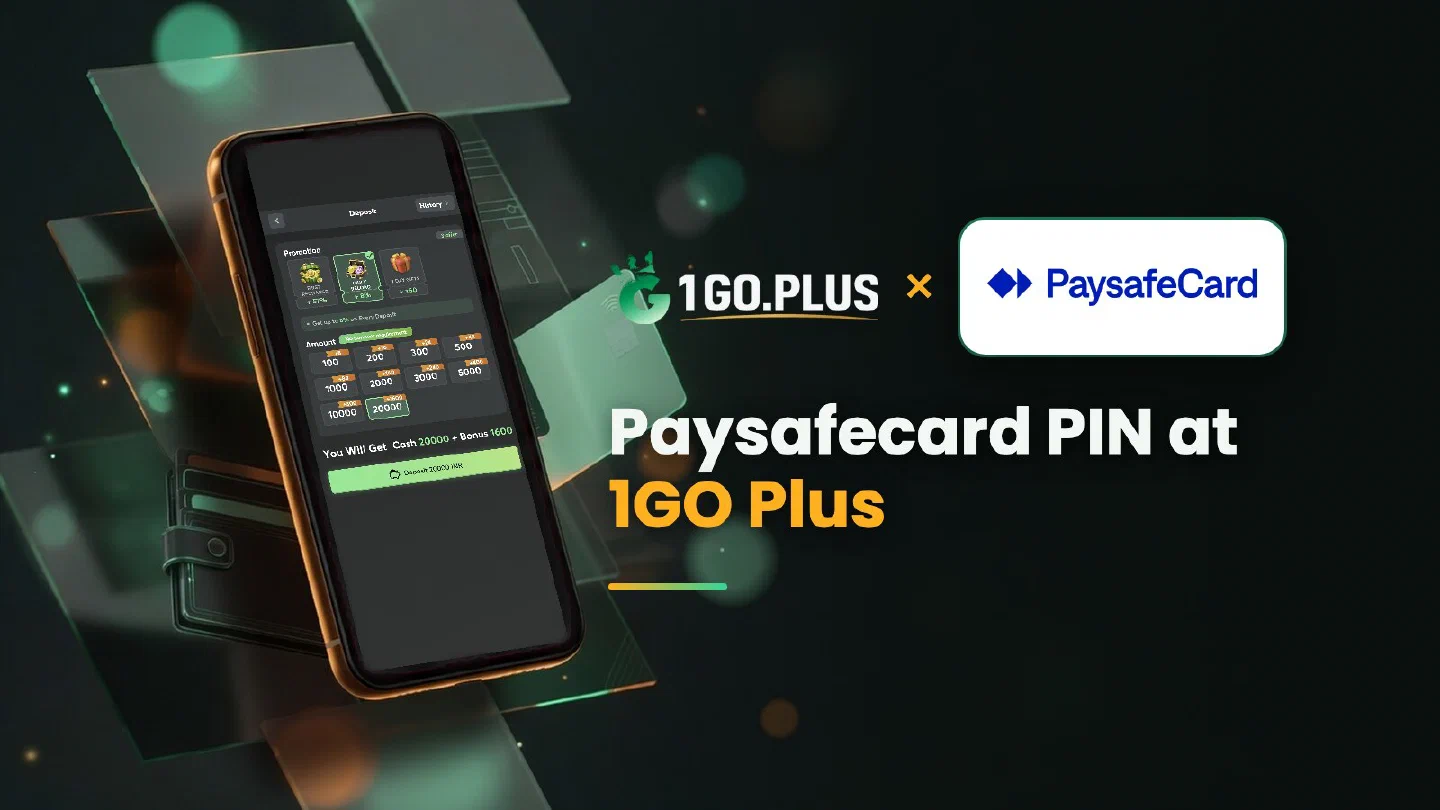
How Paysafecard works at 1GO Plus
A Paysafecard voucher is a prepaid PIN — buy it first, then use it in the 1GO Plus cashier.
Paysafecard is one of the ways to recharge 1GO Plus from India, and it works like a prepaid ticket: buy a voucher first, then use its 16-digit PIN in the cashier. Choose Paysafecard under Method, pick the amount, type the PIN exactly as printed and confirm; your balance is topped up and the bonus is credited automatically. Winnings go out to your UPI ID or bank account, usually in about 5 minutes. If an order needs a second look, a Payment Ticket with a screenshot of the order and your purchase receipt gets it matched to your deposit. The other methods are listed in all payment methods.
How to recharge 1GO Plus with a Paysafecard voucher#
- Buy a Paysafecard voucher from an authorised seller, in the value that suits your recharge, and keep the PIN to yourself.
- Log in to 1GO Plus, tap the + next to your balance and choose Paysafecard under Method.
- Pick the recharge amount the cashier shows for your account.
- Type the 16-digit PIN exactly as printed on the voucher and confirm.
Your balance and your first-deposit bonus arrive together.
Where to get a voucher#
Paysafecard vouchers are sold by authorised sellers, online and at points of sale. Choose the value that fits the recharge you have in mind, and keep the purchase receipt until your balance is updated — it is the document a Payment Ticket asks for if an order needs a second look.
Typing the PIN#
The PIN has 16 digits. Type it exactly as printed on the voucher and enter it only in the 1GO Plus cashier. Treat the PIN like cash: it stays with you until you use it for your payment.
The PIN is there for the payment, and your bonus is credited automatically after the deposit, together with your balance. Every recharge also earns 2% Free Cash + 3% Bonus; the recharge bonus and first deposit cashback pages show how the offers add up.
Voucher bought but the balance did not change#
- Check the order status in the cashier; the balance updates once the order is processed.
- Keep two documents ready: a screenshot of the order and your purchase receipt.
- Open a Payment Ticket with both; the support team matches them to your deposit.
- Still waiting? Send the order ID and the time to bonus support.
Order shows pending#
A pending order settles on its own, so the final status of the first order is the next step. Paying again with a second voucher for the same order only adds one more payment to follow.
The Payment Guarantee covers slow deposits: 1% of the amount after a 3-minute delay, 10% after 2 hours and 100% after 4 hours.
Cash out once your Paysafecard PIN has paid in#
The 16-digit PIN pays in; the payout goes to a UPI ID or bank account in your own name (account number and IFSC for a bank). Add one under Withdraw with the bank transfer guide or the UPI guide, and expect it in about 5 minutes.
Enter an amount up to Withdrawable, then confirm. Wagering your deposit once makes the payout free of commission, and 1GO Plus may ask for an ID, an address or a selfie before the first one.
Withdraw after a voucher recharge#
- Withdrawable: what you can take out now, which may be less than the balance.
- Turnover Requirement: turnover from a bonus that still needs playing, see withdrawal after a bonus and wagering requirements.
- Daily Limitation: the maximum for today, higher with each VIP level.

Paysafecard, Flexepin or UPI?#
- Paysafecard fits you when you like paying with a PIN you bought in advance.
- Flexepin is the second PIN voucher, with the same steps in the cashier.
- UPI fits everyday recharges straight from your phone.
- AstroPay tops up from a prepaid balance.
Whichever you choose, the offers on this page are credited automatically after your deposit, and the Weekly Pass page shows the weekly option.