
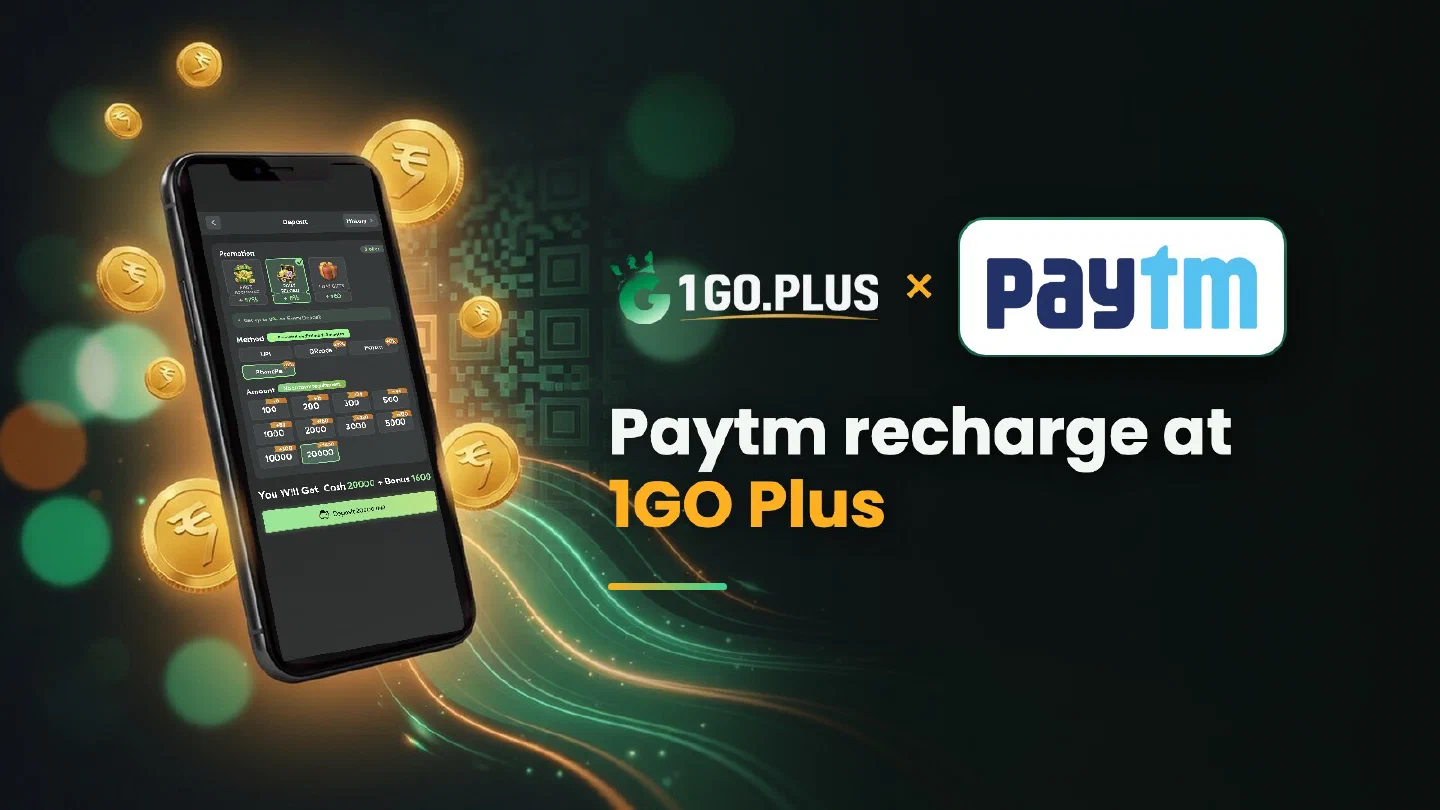
How a Paytm recharge works at 1GO Plus
One tap in Paytm pays the order; Balance & History keeps the record you may need.
1GO Plus takes rupees from the Paytm app: choose Paytm in the cashier, enter the amount and approve the payment in Paytm. The cashier shows an estimated credit time of 1–3 minutes, and your balance and first-deposit bonus are added automatically. Paytm keeps a record of every payment in Balance & History, and that record settles an order that is still waiting: the UPI Ref No, which is the UTR, goes into Submit UTR. Winnings go to your UPI ID or bank account (account number plus IFSC) and usually land in about 5 minutes. Every other option is in all payment methods.
How to recharge 1GO Plus from Paytm#
- Tap the + next to your balance to open Deposit.
- Under Method, choose Paytm.
- Pick an amount — the presets run from ₹100 to ₹20,000 — and press Deposit … INR.
- Approve the payment in the Paytm app.
The deposit and your first-deposit bonus are credited automatically. Paytm carries the +8% mark of Daily Reload in the cashier, and that bonus comes with no turnover requirement.
Pay from a Paytm account in your own name#
Open your Paytm profile, check that the name shown there matches your 1GO Plus profile, and pay from that account. A matching name keeps the deposit and any later verification simple.

Paytm debited the money — match it with your order#
- Read the status of the order and of the payment in Paytm. Success means the money has left your account.
- Open the record in Balance & History and find the payment number.
- Submit UTR under the matching order with the UPI Ref No.
- Add a screenshot to a Payment Ticket if you want the payment on record.
- Still waiting? Send the order ID, the time and the payment number to bonus support.
Where is the UPI Ref No (UTR) in Paytm#
UTR is the 12-digit reference every UPI payment receives. In Paytm it appears as UPI Ref No: open Balance & History, tap the 1GO Plus payment and copy the number from the UPI Ref No line.
Wallet or bank: which record to use#
Paytm can show two kinds of record, depending on how the payment ran. Both settle the order.
| How the payment ran | Record to open | What to send |
|---|---|---|
| Through UPI from your bank account | UPI Ref No in the payment details | Paste it into Submit UTR |
| From the Paytm balance | The transaction number in the details | Attach a screenshot to a Payment Ticket |
Paytm shows pending#
One order takes one payment, so wait for the final status before paying again. A failed debit returns to your account, and a successful one reaches the order through Submit UTR. The Payment Guarantee covers slow deposits: 1% of the amount after a 3-minute delay, 10% after 2 hours and 100% after 4 hours.
What to keep before you contact support#
Gather these and the answer comes quickly:
- The order ID from the cashier.
- The amount and the time of the payment.
- The UPI Ref No or the transaction number from Balance & History.
- A screenshot of the payment details.
Each recharge is its own order, so switching between Paytm, PhonePe and other apps from one recharge to the next is fine.
Find your Paytm UPI ID#
Open your Paytm profile and look for the UPI ID: it follows the pattern number@paytm. Copy it without spaces and keep the name identical to your Paytm profile and your 1GO Plus profile.
Withdraw from 1GO Plus to your Paytm UPI ID or bank account#
- Open Withdraw and choose Add UPI Account (name and UPI ID) or Add Bank Account (account number and IFSC).
- Enter the details exactly as Paytm or your bank shows them.
- Request an amount within Withdrawable and press the withdraw button.
Withdrawals to your UPI ID or bank account usually land in about 5 minutes, and a bank sometimes adds processing time. The general Add UPI Account steps are in the UPI guide.
Withdrawable is lower than your balance: why#
- Withdrawable is what you can take out now, and it can be smaller than your total balance.
- Turnover Requirement shows the turnover still open from a bonus; see wagering requirements.
- Daily Limitation is today’s maximum and grows with your VIP level.
Wager your deposit once and the withdrawal goes out free of commission; withdrawal after a bonus has the details.
Correct the UPI ID before the request#
Edit UPI Account fixes a typo in the name or the UPI ID before the request goes out.
What you get with a Paytm recharge#
Your first Paytm deposit brings cash gifts of up to ₹1777 and 37% cashback (see first deposit cashback), and the First Deposit Bonus reaches up to ₹2,377 in total, with x3 turnover. Every Paytm deposit then earns Daily Reload at +8%, and a Weekly Pass from ₹300 returns up to 160% over 7 days. All of it is credited automatically after the deposit.
Paytm, Amazon Pay or UPI?#
| If you want | Pick |
|---|---|
| A Balance & History record and a UPI ID ending in @paytm | Paytm |
| A second popular wallet with its own balance screen | Amazon Pay |
| One method for any UPI app, plus QR | UPI |