
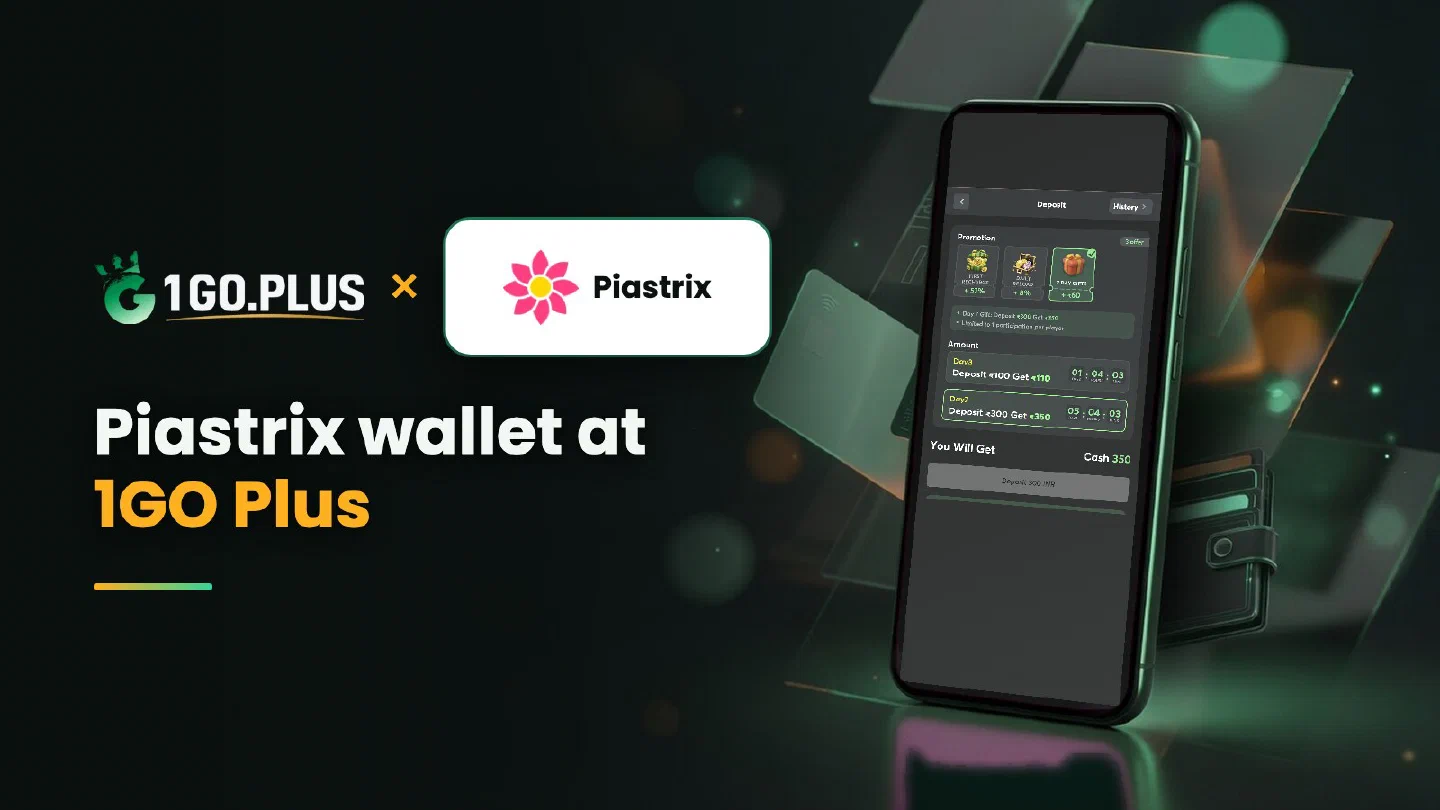
How Piastrix works at 1GO Plus
Your Piastrix wallet balance pays the cashier order, and the wallet history keeps the record.
Piastrix is one of the ways to recharge 1GO Plus from India. Top up your wallet, choose Piastrix in the cashier and approve the payment in the wallet; your balance grows and your bonus is credited automatically. The wallet history shows every operation, so you can follow the payment from both sides. Winnings go out to your UPI ID or bank account in rupees and usually land in about 5 minutes. This page walks through the recharge, the wallet history and the cash-out, and the other methods are listed in all payment methods.
How to pay 1GO Plus from your Piastrix wallet#
- Top up Piastrix so the balance covers the amount you plan to recharge.
- Log in to 1GO Plus, tap the + next to your balance and choose Piastrix under Method.
- Pick an amount from the ones the cashier shows for your account.
- Log in to your Piastrix wallet and confirm the payment.
Your deposit and your bonus are credited together. Use a wallet registered in your own name, the same way your payout accounts are in your own name.
Top up Piastrix first#
Fund the wallet before you open the order — crypto top-ups are welcome too. The balance should cover the recharge amount; when you want to recharge more, top up the wallet again and start a new order. Each time you open Deposit, the cashier lists the options open to your account.

Follow your payment in the wallet history#
Two screens tell the whole story. The Piastrix wallet history shows the operation, and the cashier shows the status of your order. Open both side by side: when the wallet operation is complete, the order moves on to your balance. Take a screenshot of the wallet operation; it is the document the Payment Ticket asks for if you ever need one.
Piastrix debited the wallet, balance unchanged#
- Wait for the final status in the cashier; the balance moves when the payment completes.
- Open the Piastrix history, find the operation and take a screenshot.
- Send a Payment Ticket with the screenshot; the support team ties it to your order.
- Need more help? Write to bonus support with the order ID and time.
A slow deposit is covered by the Payment Guarantee: 1% of the amount after a 3-minute deposit delay, 10% after 2 hours, 100% after 4 hours.
Cash out after a Piastrix recharge#
Your Piastrix wallet funds the recharge; the payout comes back in rupees to the UPI ID or bank account you add under Withdraw, in your own name (account number and IFSC for a bank). It usually lands in about 5 minutes, and adding either one follows the UPI guide or the bank transfer guide.
Request an amount up to Withdrawable and confirm. A deposit wagered once makes the payout free of commission, and a first payout may bring a request for an ID, an address or a selfie. For your next recharge, top the wallet up again as in the steps above.
Withdraw at a glance#
- Withdrawable: your payout limit right now, possibly below the balance.
- Turnover Requirement: bonus turnover to finish first, see withdrawal after a bonus and wagering requirements.
- Daily Limitation: one day’s maximum, growing with your VIP level.

Super Raffle draws run on Mondays and Thursdays; the details are on the Super Raffle page. The recharge bonus and Weekly Pass pages show how the other offers add up, and first deposit cashback covers the first-deposit step.
Piastrix, FKwallet or MiFinity?#
- Piastrix is the wallet with a clear operation history, handy when you like to follow each payment.
- FKwallet is the wallet that crypto holders top up before they recharge.
- MiFinity is an everyday e-wallet for regular recharges.
The payment scheme is the same for all three, so take the wallet where your balance already is.