
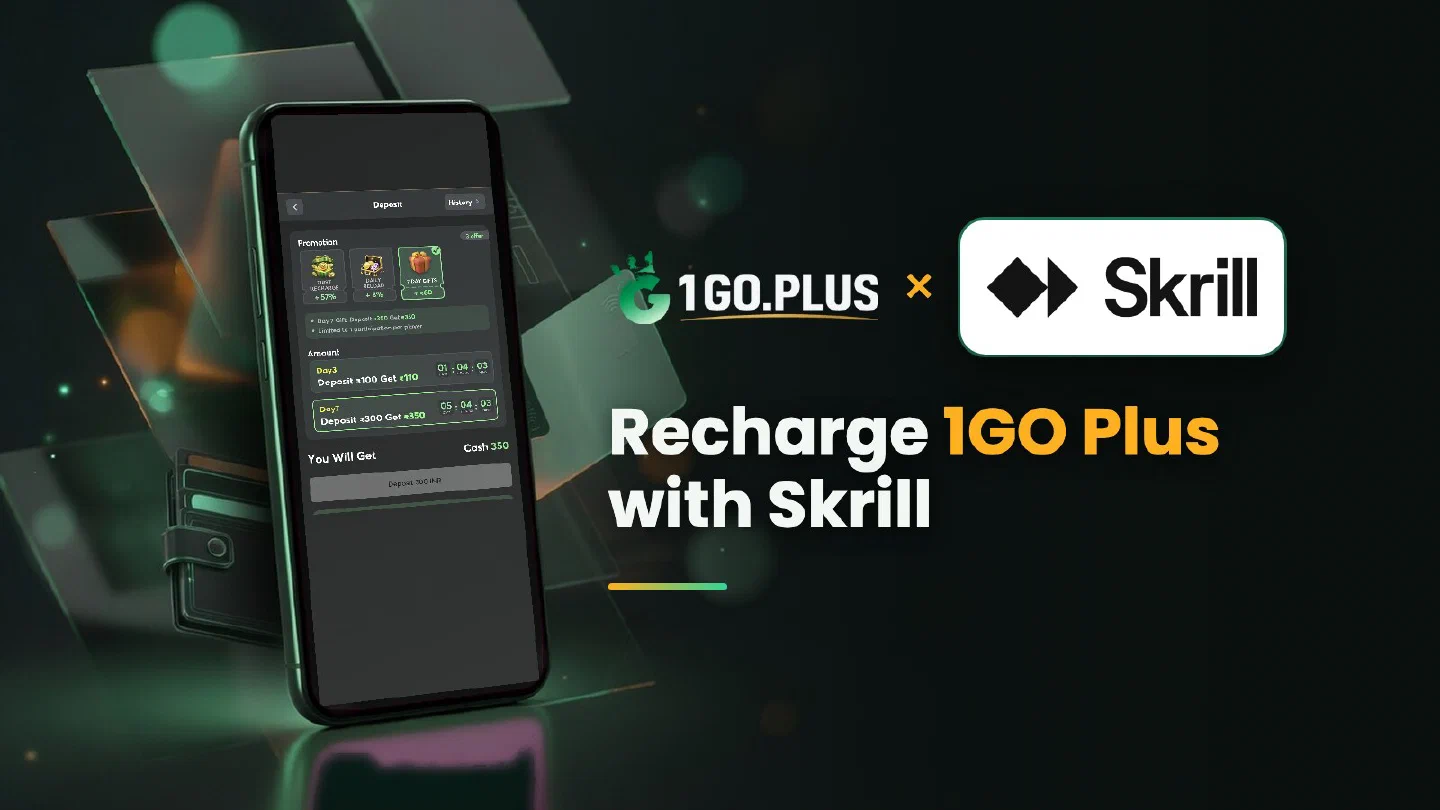
How Skrill works at 1GO Plus
Skrill is the paying side of the pair: it recharges your balance, while your UPI ID or bank account receives the winnings.
1GO Plus takes Skrill as one of the ways to recharge from India: pick Skrill in the cashier, enter the amount and confirm the payment in your Skrill wallet. Your balance and your first-deposit bonus are credited automatically, and winnings go out to your UPI ID or bank account, where withdrawals usually land in about 5 minutes. If Skrill shows the payment as approved but your 1GO Plus balance is still catching up, the order checklist below settles it step by step. The options open to your account appear in the cashier, and every other method is in all payment methods.
How to recharge 1GO Plus with Skrill#
- Check that your Skrill balance covers the amount; top up Skrill with its own options if needed.
- Tap the + next to your balance to open the cashier, pick Skrill and enter the amount.
- Confirm the payment in Skrill. The confirmation screen shows the amount and any currency conversion before you approve.
- Your balance updates when the order completes, and the first-deposit bonus is added automatically.
Three quick checks before you pay#
- Name. Pay from a Skrill wallet in your own name and keep the spelling the same as in your 1GO Plus profile. The Neteller guide goes deeper into name match and verification.
- Verification. Skrill verifies your wallet inside Skrill, and a wallet that is already verified is ready to pay.
- Currency. Skrill converts the amount itself and shows it on the confirmation screen, so compare it with your order before you approve.
Skrill says approved, but the 1GO Plus balance has not changed#
Skrill and 1GO Plus each keep their own record of the payment, and the order closes once both match. Five steps bring them together:
- Open the order page. It shows the expected time and when to contact support.
- Open your Skrill history. Note whether the payment is Completed or Pending, copy the transaction ID and take a screenshot.
- Stay on the same order. A second payment for it only adds one more thing to trace.
- Open a Payment Ticket under the order and send the screenshot of the Skrill payment.
- Still waiting? Send the order ID, the time and the Skrill transaction ID to bonus support.
The Payment Guarantee covers late deposits: 1% of the amount after a 3-minute delay, 10% after 2 hours and 100% after 4 hours.
Skrill shows Pending#
A Pending payment is still on its way, so wait for the final status in Skrill and keep using the same order. If Skrill cancels or returns a payment, the amount appears on your Skrill balance again and you can start a fresh recharge.
Cash out after a Skrill recharge#
Skrill tops up your balance; payouts leave 1GO Plus for a UPI ID or a bank account instead. About 5 minutes is typical, and a little longer if your bank adds time.
- Under Withdraw, pick Add UPI Account (name and UPI ID) or Add Bank Account (account number and IFSC), in your own name; the UPI guide shows where each app keeps the ID.
- Enter an amount up to Withdrawable and press the withdraw button.
The payout is free of commission once your deposit has been wagered one time. Before a payout 1GO Plus can ask for a photo ID, an address proof, a selfie or a call; having them ready saves a step.
When the Withdraw button waits#
- Withdrawable is the share of your balance open for payout, which can be smaller than the total.
- Turnover Requirement is bonus turnover still open; see withdrawal after a bonus.
- Daily Limitation is the day’s maximum and rises with your VIP level.
Looking for a bigger prize? Super Raffle draws run every Monday and Thursday.
Skrill or UPI: which one for which recharge#
| Your situation | Pick |
|---|---|
| Money already sits in your Skrill balance | Skrill |
| A quick payment from your phone | UPI |
| Another wallet from the same Paysafe Group | Neteller |
| A dedicated wallet for a planned budget | Jeton |
Whichever you pick, winnings go to your UPI ID or bank account, and the first deposit cashback and recharge bonus are credited automatically.