
1GO Plus Bonuses Claim bonus
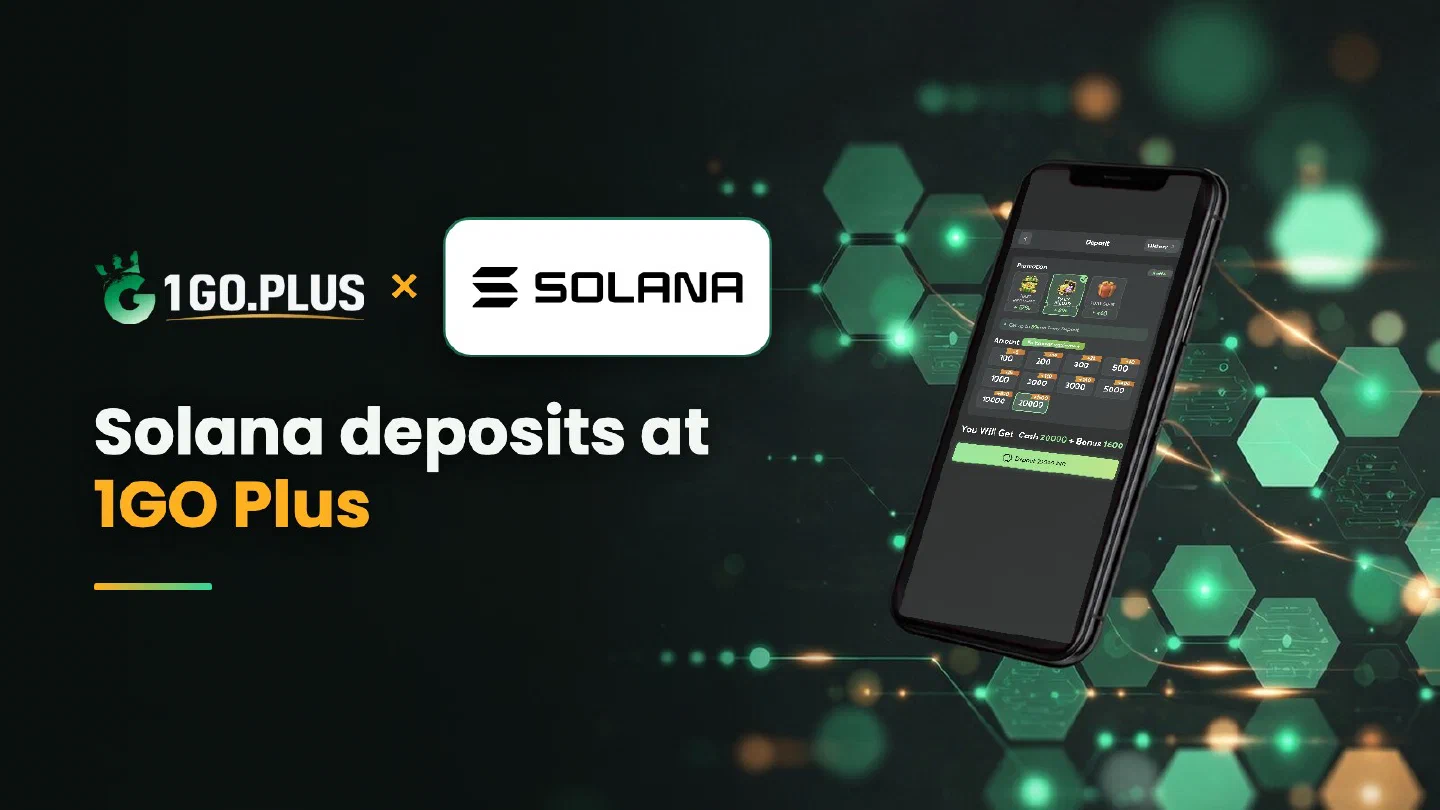
1GO Plus and Solana logos with the line Solana deposits at 1GO Plus beside a phone showing the 1GO Plus deposit screen

Solana (SOL)

1GO Plus Solana Payments: Native SOL Deposits, Tokens and Status

Choose the Solana network in your wallet or exchange and send SOL itself to the address on your order screen.

Solana at 1GO Plus in short

Deposit SOL to the address on your order screen
Network Solana
Send SOL itself, the native coin
Network fee Paid in SOL from your wallet, so keep a little aside
Track it Transaction signature in your wallet or a Solana explorer
Cash out To your UPI ID or bank account (Acc No + IFSC), usually in about 5 minutes

Solana beside XRP, TON and USDT

Winnings from each row go out to your UPI ID or bank account.

MethodRechargeWithdrawalWorks Best For
Solana (SOL)SOL itself on Solana, to the address on your orderTo your UPI ID or bank accountWallets holding SOL
XRPXRP on its own ledger, plus the Destination Tag when shownTo your UPI ID or bank accountWallets holding XRP
TONTON on its own network, plus the memo when shownTo your UPI ID or bank accountWallets holding TON
USDTTRC20 (TRON) or BEP20 (BSC), picked in the cashierTo your UPI ID or bank accountA dollar-linked coin

How a Solana deposit works at 1GO Plus

Solana carries SOL and many tokens on one network, so the one question is which asset you are sending. The answer on this page is SOL.

Recharge 1GO Plus with Solana by choosing Solana in the cashier, copying the address from the order screen, selecting the Solana network in your wallet or exchange and sending SOL itself, the native coin. Keep a little SOL aside, because the network fee is paid in SOL. Your first-deposit bonus is credited automatically after the deposit, and winnings are withdrawn to your UPI ID or bank account. Browse all 1GO Plus payment methods, or see USDT on TRC20 or BEP20 for a dollar-linked option.

How to recharge 1GO Plus with Solana#

  1. Tap the + next to your balance and choose Solana.
  2. Copy the address from the order screen.
  3. Send SOL on the Solana network, keeping a little SOL for the fee.
  4. Your balance and bonus are added automatically.

The amount and the available options are shown in the cashier of your account. Send from a wallet or exchange account in your own name. A Solana address is one long string of letters and digits, so copy it with the button and compare its first and last characters before you send.

From exchange to cashier#

Buy SOL for rupees on your exchange, choose the Solana network in the withdrawal form and paste the address from your order screen.

1GO Plus 7 Day Gifts for new players

Send SOL itself, the native coin#

SOL and tokens live on the same Solana network, but they are different assets. In your withdrawal form choose the asset SOL and the network Solana. Each token shows its own name in your wallet, so the asset name in the withdrawal form is worth one more look before you confirm.

AssetWhat it isWhere to go
SOLThe native coin of SolanaThis guide
USDTA dollar-linked tokenUSDT on TRC20 or BEP20
Other tokensAssets that live on SolanaAll payment methods

Keep a little SOL for the network fee#

The network fee is paid in SOL from your wallet, and the wallet shows it before you confirm. Leave a small SOL remainder next to the amount you send, so the transfer has what it needs to go through.

Solana transfer done, balance on its way#

  1. Check the withdrawal status on your exchange.
  2. Copy the transaction signature (the TXID) and open it in a Solana explorer.
  3. Compare the address, the network and the asset (SOL) with your order.
  4. Open a Payment Ticket with a screenshot of the transaction details, signature visible.
  5. Send the order ID, the time and the signature to bonus support.

Value in rupees#

The cashier shows the INR value at the moment of the order. The SOL rate keeps moving, so check the amount on your order screen before you send.

SOL in, rupees out#

Your SOL deposit and your winnings travel different roads: Solana on the way in, rupees on the way out. Tap Withdraw and choose your UPI ID (UPI ID withdrawals) or a bank account with account number and IFSC in your own name (withdraw to your bank account).

  • Amount: up to Withdrawable, which can sit under your total balance.
  • Time: usually about 5 minutes, with a bank sometimes adding processing time.
  • Bonus turnover: Turnover Requirement counts what a bonus still needs; see withdrawal after a bonus.
  • Daily ceiling: Daily Limitation rises with your VIP level.
  • Cost: free of commission once your deposit has been wagered once.
1GO Plus Weekly Pass: up to 160% back in 7 days

Solana, XRP or TON?#

  • Solana asks for one choice, the asset, plus a little SOL for the fee.
  • XRP has a guide to the Destination Tag.
  • TON has a guide to the memo.

Your welcome gifts arrive automatically with the deposit: see the 7 Day Gifts, the Weekly Pass and first deposit cashback.

Solana to balance in four steps

  1. 01

    Choose Solana in the cashier

    Tap the + beside your balance and pick Solana. The amount and the available options are shown in your cashier.

  2. 02

    Copy the long Solana address

    It is one string of letters and digits, so use the copy button and compare the first and last characters.

  3. 03

    Send SOL itself on Solana

    Select the asset SOL and the network Solana, and keep a little SOL for the network fee.

  4. 04

    Collect balance and bonus

    Your balance and first-deposit bonus are credited automatically after the deposit.

Your bonus on a Solana recharge

Every bonus below is added automatically after the deposit.

  1. 7 Day Gifts

    Aviator free bets and daily gifts for new players

  2. Weekly Pass

    From ₹300, up to 160% over 7 days

  3. First deposit

    Up to ₹1777 in cash gifts

  4. First deposit cashback

    37%

18+ · Credited automatically after your deposit

Transaction signed, balance on its way?

Keep the transaction signature, look it up in a Solana explorer and, if you need help, send a Payment Ticket with the screenshot.

Solana questions

Do I send SOL or a token that lives on Solana?
Send SOL itself, the native coin of the network. In your withdrawal form choose the asset SOL and the network Solana.
Which network option do I pick for SOL on my exchange?
Pick Solana. The network name in the withdrawal form should match the Solana network named in your cashier.
Why should I keep a little SOL in my wallet?
The network fee is paid in SOL from your wallet. Your wallet shows the fee before you confirm, so a small SOL remainder keeps the transfer moving.
What is the transaction signature and where do I find it?
The transaction signature is the TXID of a Solana transfer. You find it in the transaction details of your wallet or in the withdrawal history of your exchange.
Can I use USDT on Solana for a recharge here?
A USDT recharge goes through TRC20 (TRON) or BEP20 (BSC) in the cashier, and on the Solana network you send SOL. The USDT guide covers the two networks step by step.
Which welcome gifts can I collect with a Solana recharge?
New players can start the 7 Day Gifts, and the Weekly Pass, first-deposit gifts and cashback are listed in the bonus card on this page. Everything is added automatically.
Get bonus