
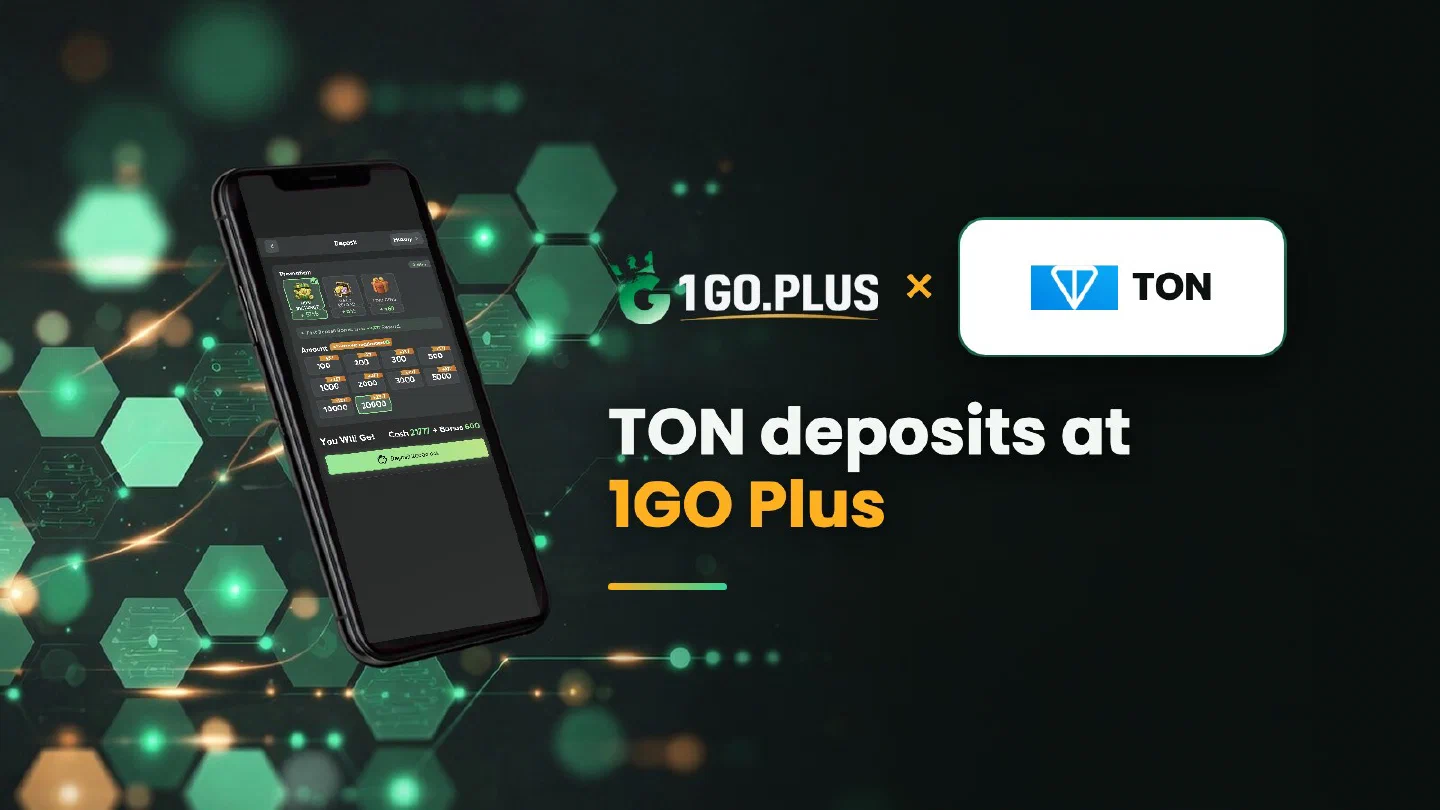
TON deposits: the memo makes the match
TON began as a Telegram project and runs today as its own open network. A deposit is matched to your order by the address and the memo, so copy them together.
Recharge 1GO Plus with TON by choosing TON in the cashier and copying the address from the order screen. When your order screen shows a memo, copy it too and paste it next to the address in your wallet or exchange withdrawal form, then send TON itself. Your first-deposit bonus is credited automatically after the deposit, and winnings are withdrawn to your UPI ID or bank account. Browse all 1GO Plus payment methods, or see USDT on TRC20 or BEP20 if you prefer a dollar-linked option.
The memo: copy it with the address#
A memo is a short text or number that points your TON transfer to your order. Wallets and exchanges call the field Comment or Memo. Copy it exactly as the order screen shows it, with the same capital letters and digits.
| Field | Where you copy it | Where you paste it |
|---|---|---|
| Address | Your order screen | The address field of your wallet or exchange withdrawal form |
| Memo, when shown | Your order screen, next to the address | The Comment or Memo field, next to the address |
The address and the memo are one pair, so copy them together.
How to recharge 1GO Plus with TON#
- Tap the + next to your balance and choose TON.
- Copy the address and, when your order screen shows one, the memo.
- Paste the memo into the Comment or Memo field next to the address.
- Send TON; your balance and bonus are added automatically.
The amount and the available options are shown in the cashier of your account. Send from a wallet or exchange account in your own name.
From exchange to cashier#
Buy TON for rupees on your exchange, choose the TON network in the withdrawal form and paste the address and the memo into their own fields.
EQ or UQ? Address forms and jettons#
A TON address appears in two forms, one starting with EQ and one with UQ. Both belong to the same wallet, so take the form from your order screen.
TON itself, the native coin#
Tokens on the TON network, called jettons, include USDT, and they are different assets from TON. Send TON itself. For a dollar-linked recharge, USDT on TRC20 or BEP20 has its own guide.
TON sent, balance still waiting#
- Check the withdrawal status on your exchange.
- Copy the TXID (hash) and open it in a TON explorer.
- Compare the address and the memo with your order screen.
- Open a Payment Ticket with a screenshot of the transaction details, TXID and memo visible.
- Send the order ID, the time and the TXID to bonus support.
Memo check before Send#
Before you confirm, compare the Comment or Memo field with your order screen. If the memo was left out, open a Payment Ticket right away with the TXID and a screenshot; support then works from the details you send.
Value in rupees#
The cashier shows the INR value at the moment of the order. The TON rate keeps moving, so check the amount on your order screen before you send.
TON recharged, winnings withdrawn#
The memo belongs to the deposit step; at Withdraw you work with rupees and your own payout details. Choose your UPI ID (UPI ID withdrawals) or a bank account with account number and IFSC in your own name (withdraw to your bank account) and request an amount within Withdrawable. Withdrawals usually land in about 5 minutes; a bank sometimes adds processing time.
Two more labels are worth a glance on the same screen. Turnover Requirement shows bonus turnover still open (withdrawal after a bonus), and Daily Limitation shows today’s maximum, which grows with your VIP level. Wager your deposit once and the withdrawal goes out free of commission.
TON, Solana or USDT?#
- TON is the coin where the memo is the main check.
- Solana has a guide to SOL and tokens.
- USDT on TRC20 or BEP20 is the dollar-linked crypto route.
Your bonuses arrive automatically with the deposit: see the Weekly Pass, first deposit cashback and the recharge bonus.
Browse all 1GO Plus payment methods to pick the one that fits you best.