
How Tron works at 1GO Plus
TRX pays for the road, the order screen names the road: match the network and the balance follows.
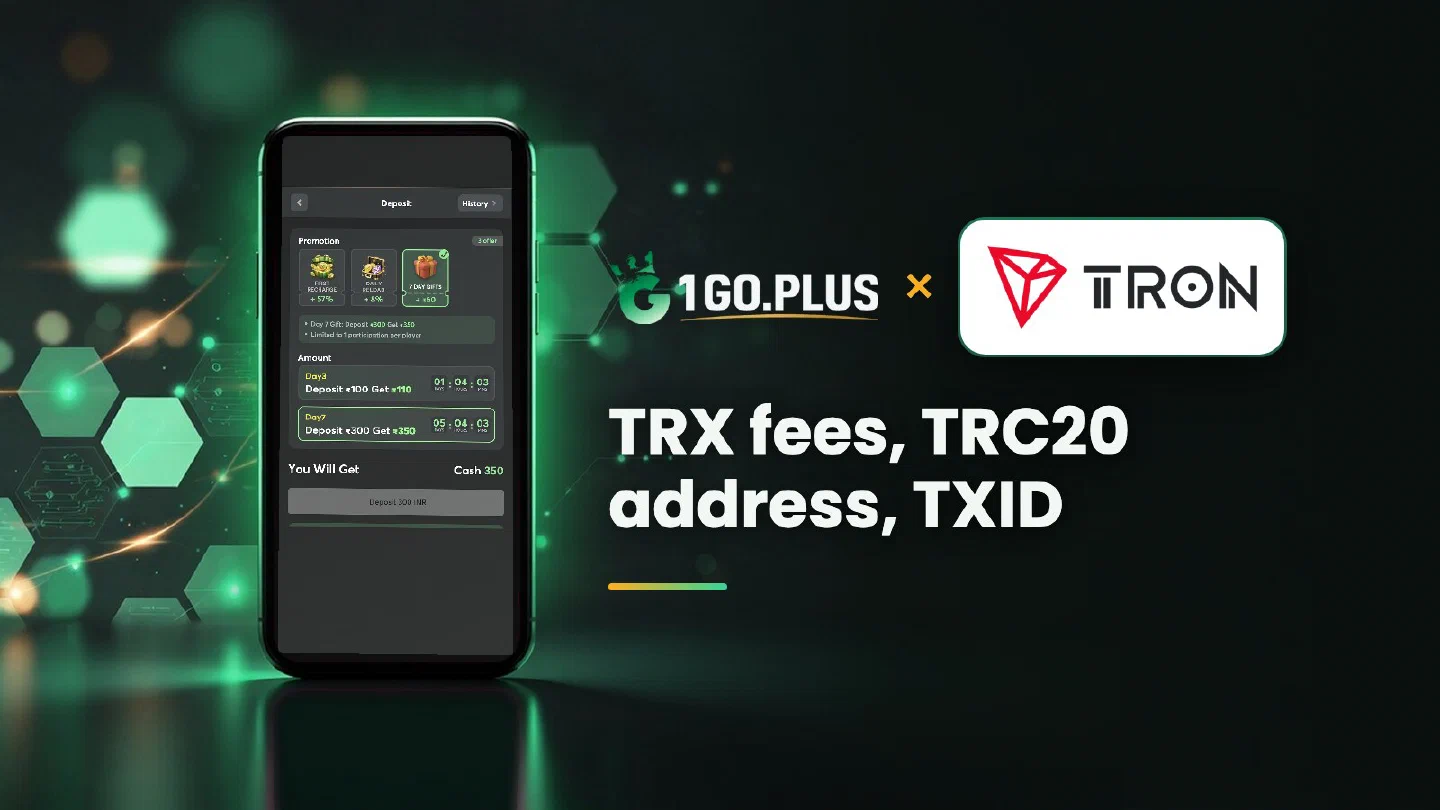
Tron is one of the crypto methods available at 1GO Plus for players in India. Open the cashier, create an order, copy the address from the order screen and send from your wallet or exchange on the network the order names. Your sending wallet pays the network fee in TRX, so keep a little TRX on hand. The balance and your first-deposit bonus are added automatically, and winnings go out to your UPI ID or bank account, usually in about 5 minutes. Every other way to pay is listed in all payment methods.
TRX or USDT: what do I send?#
TRX is the coin of the TRON network, and USDT on TRON (TRC20) is a token that runs on it. They share a network and an address format, but they are two different assets. Send the one your order screen shows.
| TRX | USDT (TRC20) | |
|---|---|---|
| What it is | The coin of the TRON network | A token on TRON, built to track the US dollar |
| Address starts with | T | T |
| Cashier option | Tron | USDT, shown as TRON |
| Where to read more | This page | USDT guide |
The two USDT options in the cashier, and how to choose between them, are covered in the USDT guide.
Match the network before you send#
Before you press send, compare the network name on your order with the network in your send form, and check that the address starts with T. Exchange forms often label it TRON (TRC20). When the names agree, the transfer is on its way.
How to deposit with Tron at 1GO Plus#
- Tap the + next to your balance to open Deposit.
- Choose Tron and an amount to create the order.
- Copy the address from your order screen.
- Keep a little TRX in the sending wallet for the network fee.
- Send from your own wallet or exchange account on the network your order names.
Your balance and bonus are credited automatically. Sending from an account in your own name keeps the deposit and any later verification simple.
Why your wallet asks for TRX: bandwidth and energy#
Every transfer on TRON uses bandwidth, and moving a TRC20 token uses energy as well. When a wallet’s bandwidth or energy runs short, the network charges the difference as a fee in TRX, and that is why the wallet asks you to hold some. A little TRX in the sending wallet keeps a transfer moving smoothly.
Exchange or wallet: who covers the fee?#
An exchange shows the network fee in its withdrawal form and adds it for you. A personal wallet pays it from its own TRX balance, so top it up before you send.
TRC20 address check#
A TRON address starts with T. The same address format receives TRX and TRC20 tokens, so your order screen decides what to send. Copy the address only from the order screen of the order you have open: each order has its own address, and your wallet is the sender.
Tron transfer sent but the balance did not change#
- Copy the TXID from your wallet or exchange history and look it up in Tronscan, the TRON explorer.
- Compare the network name and the address, which starts with T, with your order screen.
- Attach the payment screenshot, TXID visible, to a Payment Ticket.
- Still waiting? The order ID, time and TXID go to bonus support.
Withdrawing winnings after a TRON deposit#
A deposit that travelled over TRON, as TRX or as USDT on TRC20, becomes a rupee balance, and winnings go out in rupees. Open Withdraw, choose your UPI ID or a bank account in your own name with account number and IFSC (steps in bank transfer), and request up to Withdrawable. Expect about 5 minutes, plus a little bank-side time at most. One wager of your deposit makes the withdrawal free of commission.
Behind the Withdraw button#
- Withdrawable is the share of your balance that is ready to leave.
- Turnover Requirement lists bonus turnover still open; complete it first (bonus withdrawal).
- Daily Limitation is today’s top amount and rises with your VIP level.
Tron, USDT or XRP: which page do I need?#
| If you want | Pick |
|---|---|
| The TRON network, TRX for fees and the T address | Tron, this page |
| The coin, the choice of TRC20 or BEP20 and buying USDT in India | USDT |
| A coin with its own network and its own address | XRP |
TRX and XRP are easy to mix up because of the similar tickers, yet they are separate coins: TRX addresses start with T, while XRP addresses start with r and live on the XRP Ledger.
Your first deposit brings gifts of up to ₹1777 and 37% cashback, described in first deposit cashback. The recharge bonus and Weekly Pass pages list the other rewards that come with a recharge.