
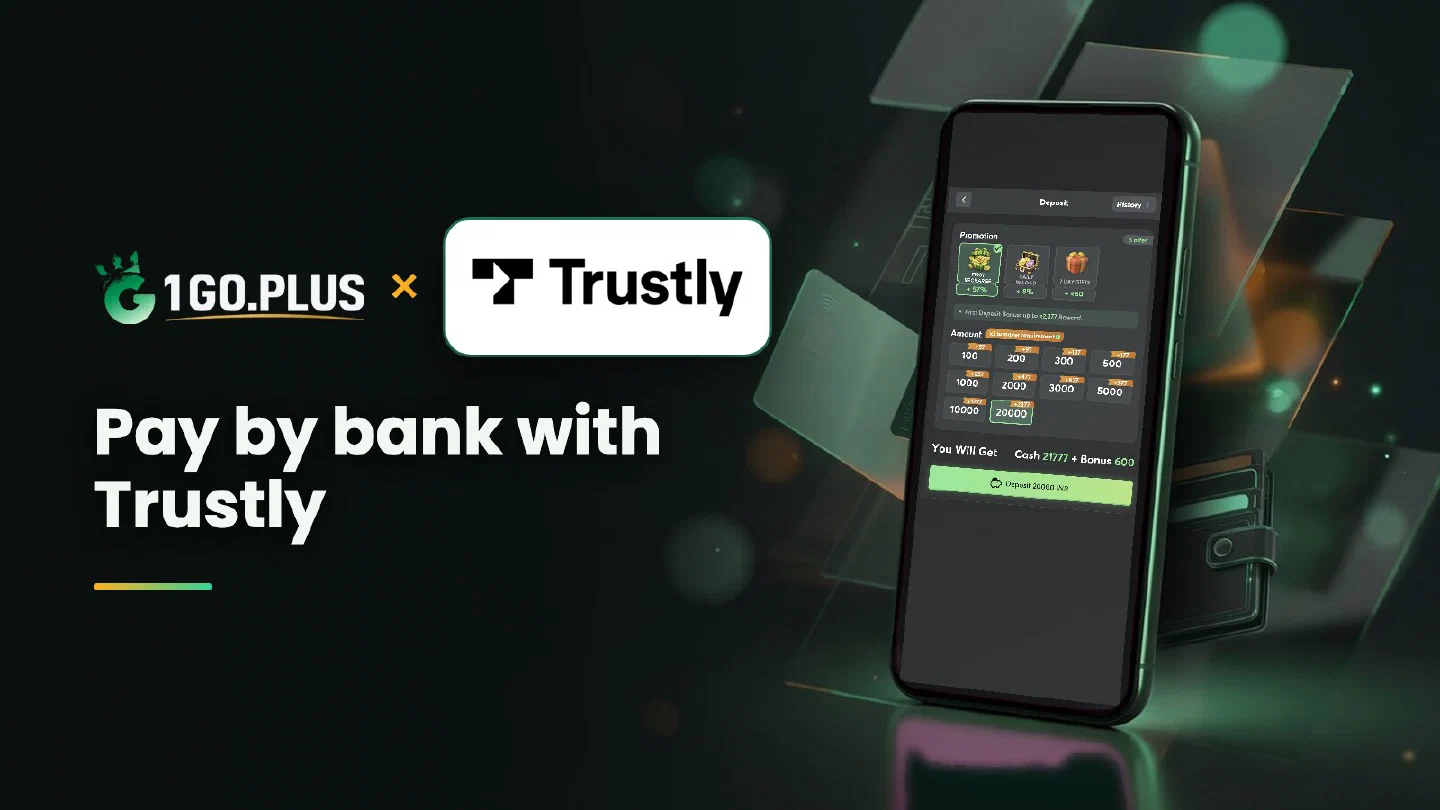
How Trustly works at 1GO Plus
Trustly lets you pay from your own bank account — pick the bank, approve the payment and the cashier does the rest.
Trustly is payment straight from your own bank account. Choose Trustly in the cashier, pick your bank in the Trustly window, log in to the bank and approve the payment there; your balance is topped up and the bonus is credited automatically. Winnings go out to your bank account (account number and IFSC) or your UPI ID, usually in about 5 minutes. If a payment needs a second look, a Payment Ticket with a screenshot settles it. Trustly is one of the ways to recharge 1GO Plus from India, and every other method is listed in all payment methods.
How to recharge 1GO Plus with Trustly#
- Log in to 1GO Plus, tap the + next to your balance and choose Trustly under Method.
- Pick the amount the cashier shows for your account.
- In the Trustly window, select your bank and log in to it.
- Approve the payment in your bank and return to 1GO Plus.
Your balance and your bonus are credited together. Pay from a bank account in your own name, which keeps the deposit and every later verification simple.
Which bank to pick#
Choose the bank where the account is in your own name. The banks open to you are listed in the Trustly window, so you can choose on the spot.

New to 1GO Plus? Start with the ₹100 sign-up gift on the welcome bonus page, then make your first deposit through Trustly and add the first deposit cashback.
Trustly or Net Banking?#
- Trustly is a payment window with a choice of banks: you pick the bank, log in and approve.
- Net Banking is the page of your Indian internet banking, reached with your own bank login.
- Bank transfer is the cash-out route to your bank account with account number and IFSC.
Both Trustly and Net Banking pay from your bank, so choose the one whose screens you already know.
Bank window closed early? Check the order and go again#
If the bank window closes before you approve, return to the cashier and look at the status of the order. Your bank confirms one payment per order, so when the order is still open, finish the approval; when it is closed, start a new order and approve it once.
Trustly debit in your bank, balance unchanged#
- Let the order finish. The cashier status shows when the balance is due to move.
- Open your bank app or statement and save the debit confirmation as a screenshot.
- Send a Payment Ticket with that screenshot; the support team pairs it with your order.
- Still waiting? Pass the order ID and the time to bonus support.
The Payment Guarantee pays 1% of the amount after a 3-minute delay, 10% after 2 hours and 100% after 4 hours.
Cash out to your bank account#
Open Withdraw, choose Add Bank Account and enter your account number and IFSC in your own name; your UPI ID is the second route. These are the cash-out routes of 1GO Plus for India, and withdrawals to your UPI ID or bank account usually land in about 5 minutes.
- Open Withdraw and choose Add Bank Account or Add UPI Account.
- Enter your details exactly as your bank shows them.
- Request an amount within Withdrawable and confirm.
Wager your deposit once and the withdrawal goes out free of commission. Before the first withdrawal, 1GO Plus may ask for an ID, an address or a selfie; having them ready keeps the request moving.
Where to find your IFSC#
The IFSC is printed in your bank app, on your cheque book and in your account passbook. The cashier checks it when you save the account, so a typo shows up right away and is easy to fix.
Withdraw button#
- Withdrawable can be smaller than your total balance — it shows what you can take out now.
- Turnover Requirement shows the turnover still open from a bonus; complete it first, as explained in withdrawal after a bonus and wagering requirements.
- Daily Limitation is today’s maximum and rises with your VIP level.

Every recharge also earns 2% Free Cash + 3% Bonus; the recharge bonus page shows how it adds up, and the Weekly Pass page covers the weekly option.