
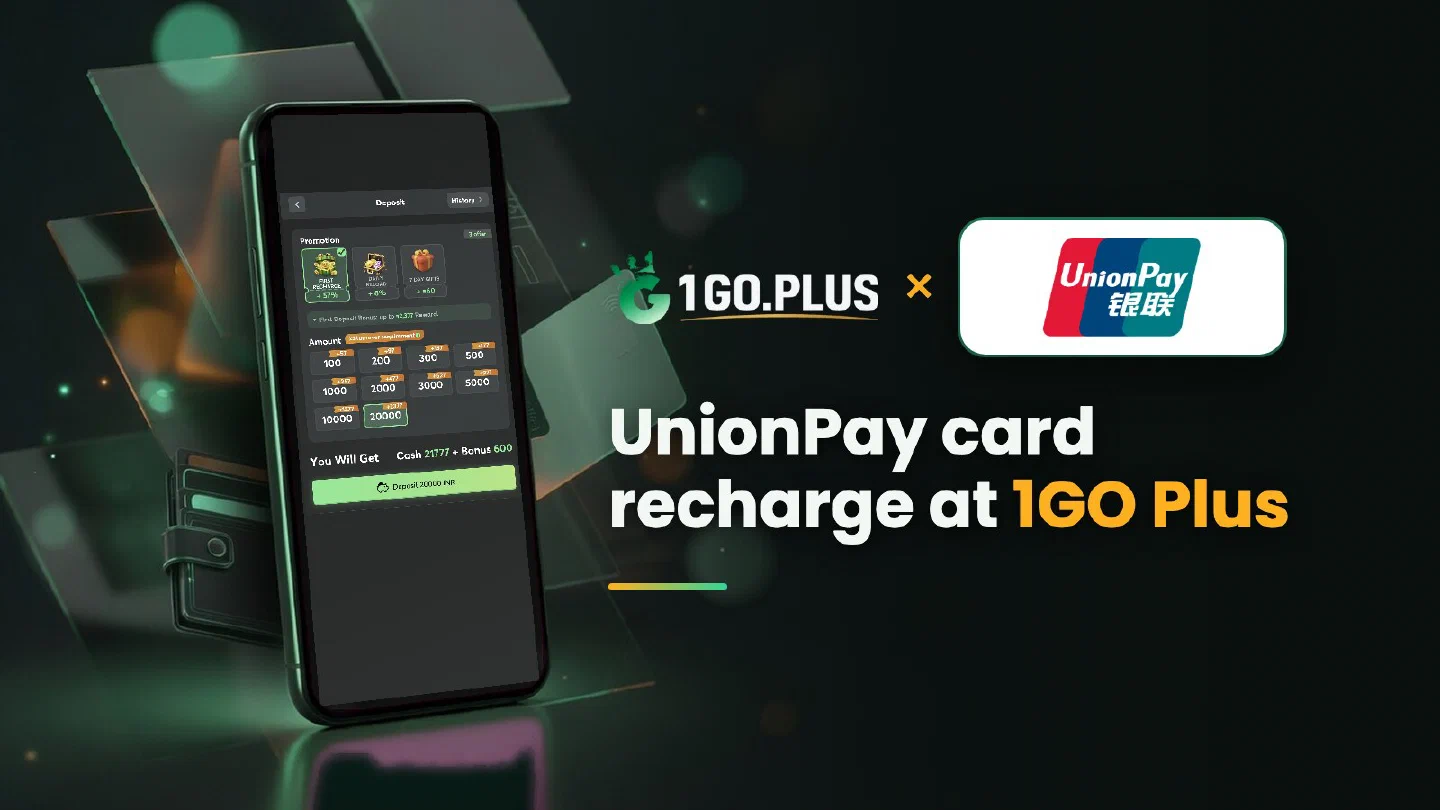
How a UnionPay payment works at 1GO Plus
Your issuing bank approves the card payment; UPI is a separate option in the cashier.
UnionPay is a card network, and UPI is the payment system of Indian banks that works with a UPI ID in a phone app — two different things, and the 1GO Plus cashier lists both. If you hold a UnionPay card, choose UnionPay, use a card issued in your own name and confirm the payment with the verification SMS from your issuing bank. The balance and your bonus arrive once the bank approves, and winnings go to your UPI ID or bank account. A UPI app is the other route into the same balance. More options are in all payment methods.
UnionPay or UPI: which one do you need?#
The two abbreviations sound alike, and UnionPay International is itself shortened to UPI at times, so the table sorts them by what you hold.
| You hold | Choose in the cashier | Why |
|---|---|---|
| A UnionPay card | UnionPay | You pay with the card details and your issuing bank approves |
| An Indian bank account with a UPI app | UPI | You pay in rupees from your phone with your UPI PIN |
| Either of them | Your pick | Winnings go to your UPI ID or bank account (account number and IFSC) |
How to recharge 1GO Plus with a UnionPay card#
- Tap the + next to your balance to open Deposit.
- Choose UnionPay and an amount.
- Enter your card details on the payment page.
- Confirm with the verification SMS or in your card app.
UnionPay cards come as debit and as credit cards, and the steps are the same for both. Use a card issued in your own name.

Switch on overseas online payments in your card app#
Many card apps keep a separate switch for overseas or international payments next to the switch for online payments. Open the app of your issuing bank, find the card settings and turn on online payments — and the overseas option, if your app lists it. The name of the item differs from bank to bank. You can raise the daily limit on the same screen when your recharge is above it.
Verification SMS and your phone number#
The code goes by SMS to the number registered with your issuing bank. Keep that number active, also when you travel and roam, and update it in the bank if it changed. When your bank offers approval in its card app, that works as an alternative to the SMS. Stay on the payment page until it shows the result.
Payment stopped, or charged and waiting#
- The payment stopped at the bank. Check the online and overseas switches and the registered number as described above, then open a new order and pay again.
- The amount was charged and the order status stays as it is. Open a Payment Ticket with a screenshot of the payment, or send the order ID and time to bonus support.
The Payment Guarantee covers slow deposits: 1% of the amount after a 3-minute delay, 10% after 2 hours and 100% after 4 hours.
Cash out after a UnionPay recharge#
Your UnionPay card pays in; the payout is sent to a UPI ID or a bank account in your own name and usually lands in about 5 minutes.
- In Withdraw, choose Add UPI Account (name and UPI ID) or Add Bank Account (account number and IFSC).
- Pick an amount up to Withdrawable.
- Send the request with the confirm button.
What is a UPI ID?#
A UPI ID is the address of your bank account in UPI, written like name@bank, and every UPI app shows it in your profile. The UPI guide shows where each app keeps it.
Reasons a payout waits#
- Turnover Requirement: bonus turnover left to play; see withdrawal after a bonus.
- Withdrawable: can be lower than the total balance.
- Daily Limitation: today’s maximum, which rises with your VIP level. After you wager your deposit once, the payout is free of commission.

UnionPay, JCB or Visa?#
| Your card | Read |
|---|---|
| UnionPay | This page: the overseas switch and the difference from UPI |
| JCB | The issuing bank and currency conversion on the statement |
| Visa | A card from your own bank, debit or credit, with Visa Secure |
Your first recharge brings the sign-up gift, first deposit cashback and the recharge bonus; the Weekly Pass and the welcome bonus are ready for the days after.