
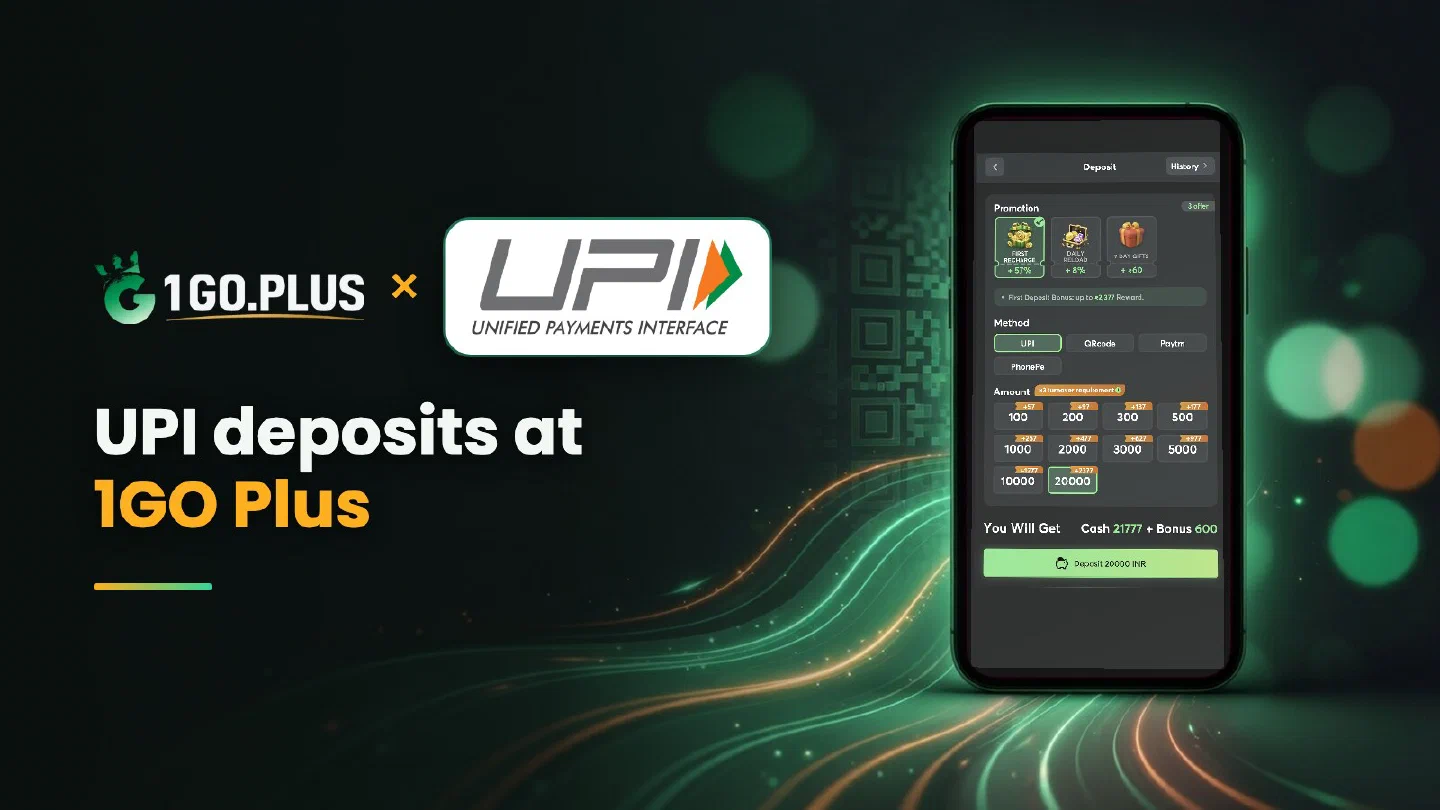
How UPI works at 1GO Plus
From the first recharge to the UTR that settles a pending payment.
1GO Plus takes rupees through UPI from any app on your phone — BHIM, PhonePe, Google Pay, Paytm, Amazon Pay or your bank’s own app — and by scanning a QR code from the cashier. The cashier shows an estimated credit time of 1–3 minutes. Winnings go back to your UPI ID, usually in about 5 minutes. If money leaves your account but the balance stays the same, the UTR from your UPI app settles it in the cashier. For every other method see all payment methods.
How to recharge 1GO Plus with UPI#
- Tap the + next to your balance to open Deposit.
- Under Method, choose UPI.
- Pick an amount — the presets run from ₹100 to ₹20,000.
- Press Deposit … INR and approve the request in your UPI app with your UPI PIN.
The deposit and your bonus are credited automatically. Pay from a UPI account in your own name: it keeps the deposit and any later verification simple.
Which UPI app can I use#
Any UPI app works, because UPI is the same network behind all of them. BHIM, your bank’s app and the big wallets all approve a 1GO Plus request the same way. App-by-app screens are in the PhonePe, Google Pay, Paytm and Amazon Pay guides.
Pay by QR code#
Choose QRcode in the cashier and the order shows a code for that exact amount. Scan it with any UPI app, check the amount and approve. Each QR belongs to one order, so for a new recharge open a new order and scan its own code.
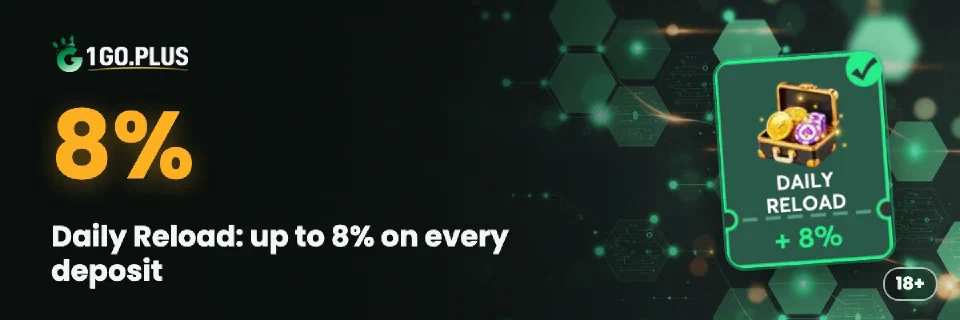
A QR deposit earns ₹30 cash through QR Exclusive, and Daily Reload adds +8% on QR code, Paytm and PhonePe deposits with no turnover requirement.
Money debited but the balance did not change#
- Check the status in your UPI app. Success means the bank sent the money; pending means it is still on its way.
- Copy the UTR. It sits in the payment details as UTR, UPI Ref No or UPI transaction ID.
- Submit UTR under the matching order. The cashier matches the reference to your deposit.
- Still waiting? Send the order ID, time and UTR to bonus support.
Where each UPI app shows the UTR#
| App | Where to look |
|---|---|
| BHIM | Transactions → the payment → UPI Ref No |
| PhonePe | History → the payment → UTR |
| Google Pay | The payment in your history → UPI transaction ID |
| Paytm | Balance & History → the payment → UPI Ref No |
| Bank app | UPI history → the payment → reference or RRN |
Every app calls the same 12-digit number by its own name, and the cashier accepts it in whichever form your app shows it. The app-by-app screens are in the PhonePe, Google Pay and Paytm guides.
UPI payment pending#
A pending UPI payment resolves on its own: a failed debit returns to your bank account, and a successful one reaches the order. Paying a second time for the same order only creates a second payment to trace, so wait for the final status first.
The Payment Guarantee covers slow deposits: 1% of the amount after a 3-minute delay, 10% after 2 hours and 100% after 4 hours.
Withdraw from 1GO Plus to your UPI ID#
- Open Withdraw and choose Add UPI Account.
- Enter your name and UPI ID exactly as your bank shows them.
- Request an amount within Withdrawable and press the withdraw button.
UPI withdrawals usually land in about 5 minutes. Wager your deposit once and the withdrawal goes out free of commission.
Why Withdraw does not go through#
- Withdrawable can be smaller than your total balance — it shows what you can take out now.
- Turnover Requirement shows the turnover still open from a bonus; complete it first, as explained in withdrawal after a bonus.
- Daily Limitation is today’s maximum and rises with your VIP level.
Wrong UPI ID#
Check the saved account before you press the withdraw button. Edit UPI Account on the withdraw screen corrects a typo in the name or UPI ID.
Which amount to recharge#
The cashier shows the bonus next to each preset before you pay, so you can see what a recharge brings. The First Recharge card adds the first-deposit bonus of up to ₹2,377 in total — up to ₹1777 of it as cash gifts — with a 3x turnover requirement. On later deposits, Daily Reload pays up to 8% with no turnover requirement, and QR code, Paytm and PhonePe show the full +8%. A Weekly Pass from ₹300 spreads up to 160% of its price over 7 days when you collect the rewards every day.
Pick the amount you planned to play with: every preset from ₹100 earns its own bonus, and the figure on screen is the one you receive.
UPI limit reached#
Your bank sets a daily UPI limit for every app. When a larger recharge reaches it, split the amount over two orders or move the money with IMPS straight from your bank account. Withdrawals to a bank account are covered in the bank withdrawal guide.

UPI, PhonePe or IMPS?#
| If you want | Pick |
|---|---|
| One method for any UPI app | UPI |
| The screens of one app you already use | PhonePe |
| A larger amount straight from your bank | IMPS |
Whichever you choose, winnings go out to your UPI ID or bank account, and the first-deposit bonus of up to ₹1777 in cash gifts and 37% cashback comes with the first recharge — see first deposit cashback.