
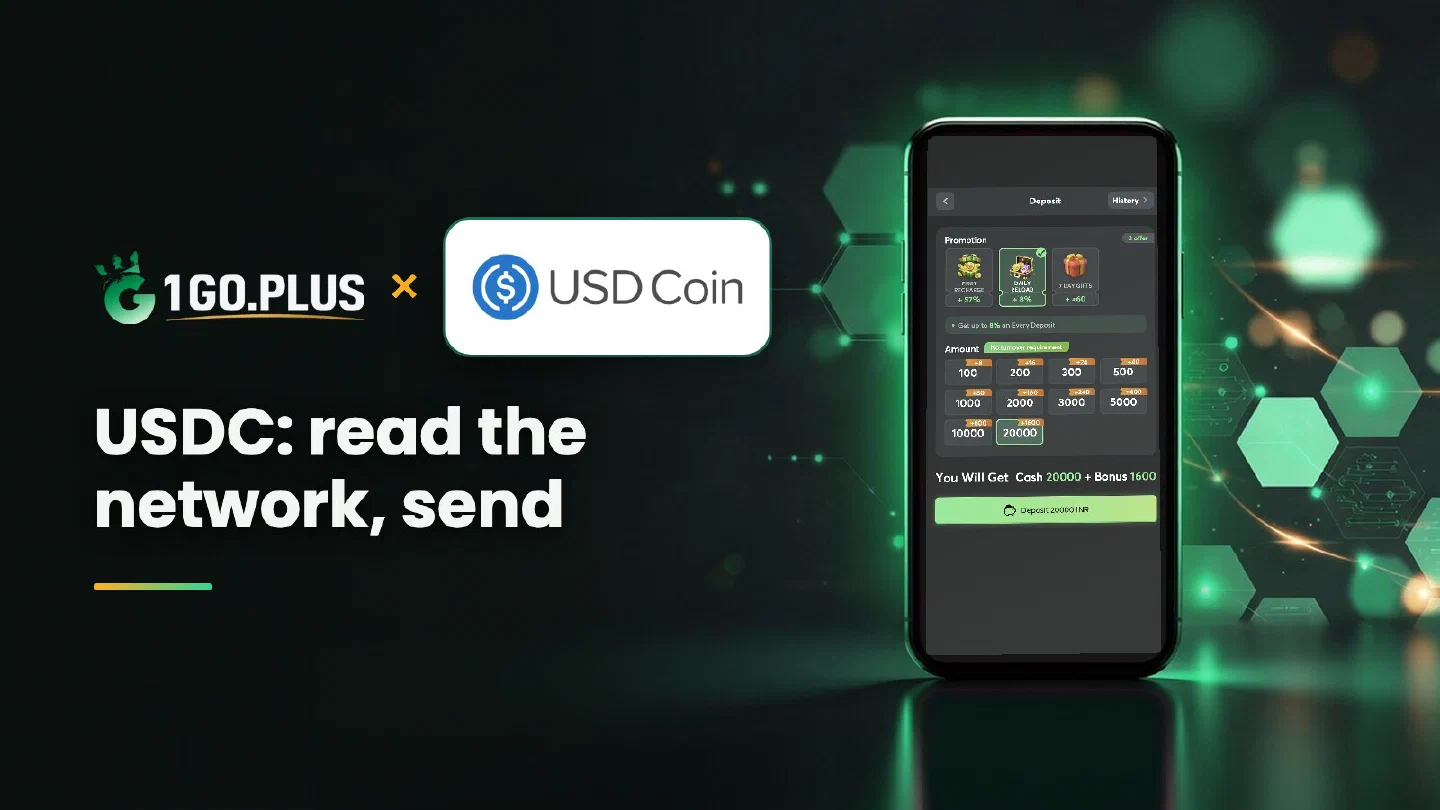
How USDC works at 1GO Plus
One token, many networks: your order names the network, your wallet sends on the same one.
USDC is one of the crypto methods available at 1GO Plus for players in India. Create an order in the cashier, read the network named on the order screen and copy the address; then choose the same network in your wallet or exchange and send USDC. Your balance and first-deposit bonus are added automatically, and winnings go out to your UPI ID or bank account, usually in about 5 minutes. When USDC has left your wallet and the balance is still waiting, the TXID and a Payment Ticket settle it. More ways to pay are in all payment methods.
How to deposit USDC at 1GO Plus#
- Tap the + next to your balance to open Deposit.
- Choose USDC and an amount to create the order.
- Read the network on your order screen.
- Copy the address from the same screen.
- Send USDC on that network from your own wallet or exchange account.
The deposit and your first-deposit bonus are credited automatically. Sending from an account in your own name keeps the deposit and any later verification simple.
One USDC, many networks: read the network on your order#
USDC is one token that exists on many networks. Each network has its own address format and its own fee, paid in that network’s coin. The order screen names the network for this deposit, and the network in your send form should carry the same name.
New to 1GO Plus? Sign up first, then come back and recharge with USDC.

How to find the right network in your wallet or exchange#
The send screen follows the same order almost everywhere: coin, network, address, amount.
- Choose USDC as the coin.
- Choose the network with the same name as on your order.
- Paste the address from the order screen.
- Enter the amount and confirm.
Setting the network first lets the address field follow it, so the address you paste lands in the right place.
Match the network before you send#
Compare three things before you confirm: the network name on the order, the network in your form and the format of the address. The network fee is paid in the coin of the network you send on, so keep a little of that coin in the sending wallet.
USDC sent but the balance did not change#
- Copy the TXID from the history of your wallet or exchange.
- Check its status in the explorer of the network you sent on.
- Compare network and address with your order. Both should match the order screen.
- Open a Payment Ticket with a screenshot of the payment and the TXID visible.
- Still waiting? Send the order ID, time and TXID to bonus support.
USDC deposited, winnings withdrawn in rupees#
USDC comes in over the network your order named, and winnings go out in rupees in three moves.
- Choose Withdraw and a destination: your UPI ID, or a bank account with account number and IFSC in your own name (bank transfer guide).
- Request an amount up to Withdrawable and confirm.
- Look for the rupees: usually about 5 minutes, with a bank sometimes adding a little time.
Wager your USDC deposit once and the withdrawal is free of commission. Two labels shape a request: Turnover Requirement, the bonus turnover still open (withdrawal after a bonus), and Daily Limitation, today’s maximum, which grows with your VIP level.
USDC, USDT or Dai: which stablecoin fits?#
| If you want | Pick |
|---|---|
| USDC from Circle, with the network read on your order | USDC, this page |
| USDT, offered on TRON and BSC, with the path from exchange to cashier | USDT |
| Dai, the stablecoin of a decentralised protocol | Dai |
Already hold USDC and need USDT?#
Swap USDC to USDT on your exchange, then send USDT on TRON (TRC20) or BSC (BEP20), the two USDT options in the cashier; the USDT guide has the steps. You can also deposit the USDC itself, since it is a method of its own.
New players can read how the ₹100 sign-up gift works in the no-deposit bonus guide, and the recharge bonus and first deposit cashback pages cover the rest of the rewards.