
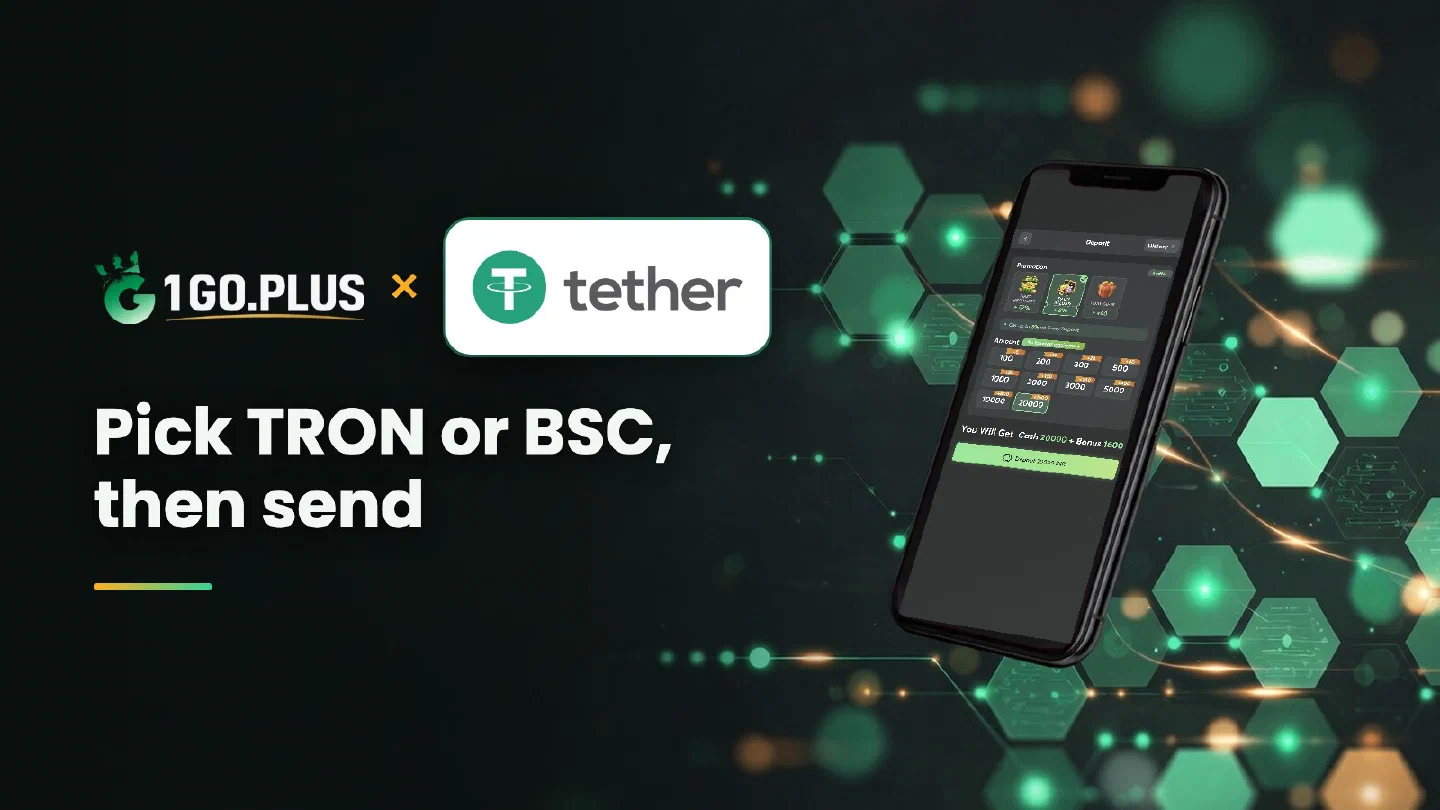
How USDT works at 1GO Plus
The coin is USDT, the network is the road: pick the road in the cashier and send on the same one.
1GO Plus takes USDT on two networks: TRON (TRC20) and BSC (BEP20). Open the cashier, choose USDT, pick TRON or BSC to match the wallet or exchange where your USDT already sits, copy the address from your order screen and send. Your balance and first-deposit bonus are added automatically, and winnings go back to your UPI ID or bank account in rupees, usually in about 5 minutes. If USDT has left your wallet and the balance is still waiting, the TXID and a Payment Ticket settle it. For every other way to pay see all payment methods.
How to deposit USDT at 1GO Plus#
- Tap the + next to your balance to open Deposit.
- Choose USDT and an amount.
- Pick TRON or BSC — the same network your wallet or exchange uses.
- Copy the address from your order screen and send USDT to it from your own wallet or exchange account.
The deposit and your first-deposit bonus are credited automatically. Send from a wallet or exchange account in your own name: it keeps the deposit and any later verification simple.
Before you send, have three things ready: USDT in your own wallet or exchange account, the order screen open with its address, and a little TRX (on TRON) or BNB (on BSC) for the network fee. The sending wallet pays that fee in its own coin, so keep a little of it next to your USDT.
TRC20 or BEP20: which network should I pick?#
Both networks carry the same USDT, so the choice is about where your coins already are. Take TRON (TRC20) when your USDT sits in a TRON wallet or on an exchange that withdraws on TRC20, and BSC (BEP20) when it sits in a BSC wallet or on an exchange that withdraws on BEP20.
| TRON (TRC20) | BSC (BEP20) | |
|---|---|---|
| Label in the cashier | TRON | BSC |
| Address starts with | T | 0x |
| Network fee is paid in | TRX | BNB |
| Pick it when | Your USDT is already on TRON | Your USDT is already on BSC |
Both are offered, so use the one where your USDT already is and skip the extra conversion. Network fees, the coin that pays them and the address format are explained in the Tron guide for TRX and the BNB guide for the BSC network.
Why the address comes only from the order screen#
Every order shows its own address, so copy it from the order you have open and paste it into your wallet or exchange. Your wallet is the sender and the order screen is the receiver. Before you press send, compare three things: the network name on the order, the network in your send form and the first character of the address.
How to buy USDT in India and send it to 1GO Plus#
Start with USDT in your own wallet or exchange account:
- Buy USDT on an exchange or a peer-to-peer marketplace and pay in rupees through UPI or a bank transfer.
- Withdraw the USDT to your own wallet and choose TRC20 or BEP20 in the withdrawal form. An exchange account can send straight to the order address when its form lets you choose the same network.
- Open the 1GO Plus cashier, choose USDT and create the order.
- Send USDT to the address on the order screen.
Prefer to pay from the Binance app? The Binance Pay ID and QR guide walks through that route.
USDT to INR: what the rupee value means#
USDT is built to track one US dollar. The rupee price is the one your exchange shows at the moment you buy, and winnings at 1GO Plus come back to you in rupees. On the order screen you see the amount to send, so read it there before you confirm the transfer in your wallet.
USDT sent but the balance did not change#
- Copy the TXID. It is the transaction ID in the withdrawal history of your wallet or exchange.
- Check its status in the explorer. Tronscan shows TRON transfers and BscScan shows BSC transfers.
- Compare network and address with your order. Both should match what the order screen shows.
- Open a Payment Ticket. Attach a screenshot of the payment with the TXID visible.
- Still waiting? Send the order ID, time and TXID to bonus support.
Match the network before you send#
A short check before you press send keeps the deposit on its way: the network name on your order, the network in your send form and the first character of the address should tell the same story. T goes with TRON and 0x goes with BSC. If anything differs, go back to the order screen and read the network again.
USDT on TRC20 or BEP20: how winnings come back#
Whether your USDT travelled over TRON (TRC20) or BSC (BEP20), winnings return in rupees to your UPI ID or to a bank account in your own name with account number and IFSC (bank transfer). Request an amount within Withdrawable; about 5 minutes is usual, and a bank can add a little. Wager your deposit once and the withdrawal is free of commission.
The three labels in short: Withdrawable is what you can take out now, Turnover Requirement is bonus turnover still to play (see withdrawal after a bonus) and Daily Limitation is today’s maximum, which rises with your VIP level.
USDT, Tron or BNB: which page do I need?#
| If you want | Pick |
|---|---|
| The coin itself, the choice of network and buying USDT in India | USDT, this page |
| The TRON network, TRX for fees and the T address | Tron |
| The BSC network, BNB for fees and the 0x address | BNB |
Whichever you choose, the first-deposit gifts of up to ₹1777 come with your first recharge, and the Weekly Pass adds daily rewards for 7 days. The full picture of the first deposit is in first deposit cashback.