
How a Visa payment works at 1GO Plus
Your bank approves the card payment, 1GO Plus credits it and your payout goes to UPI or bank.
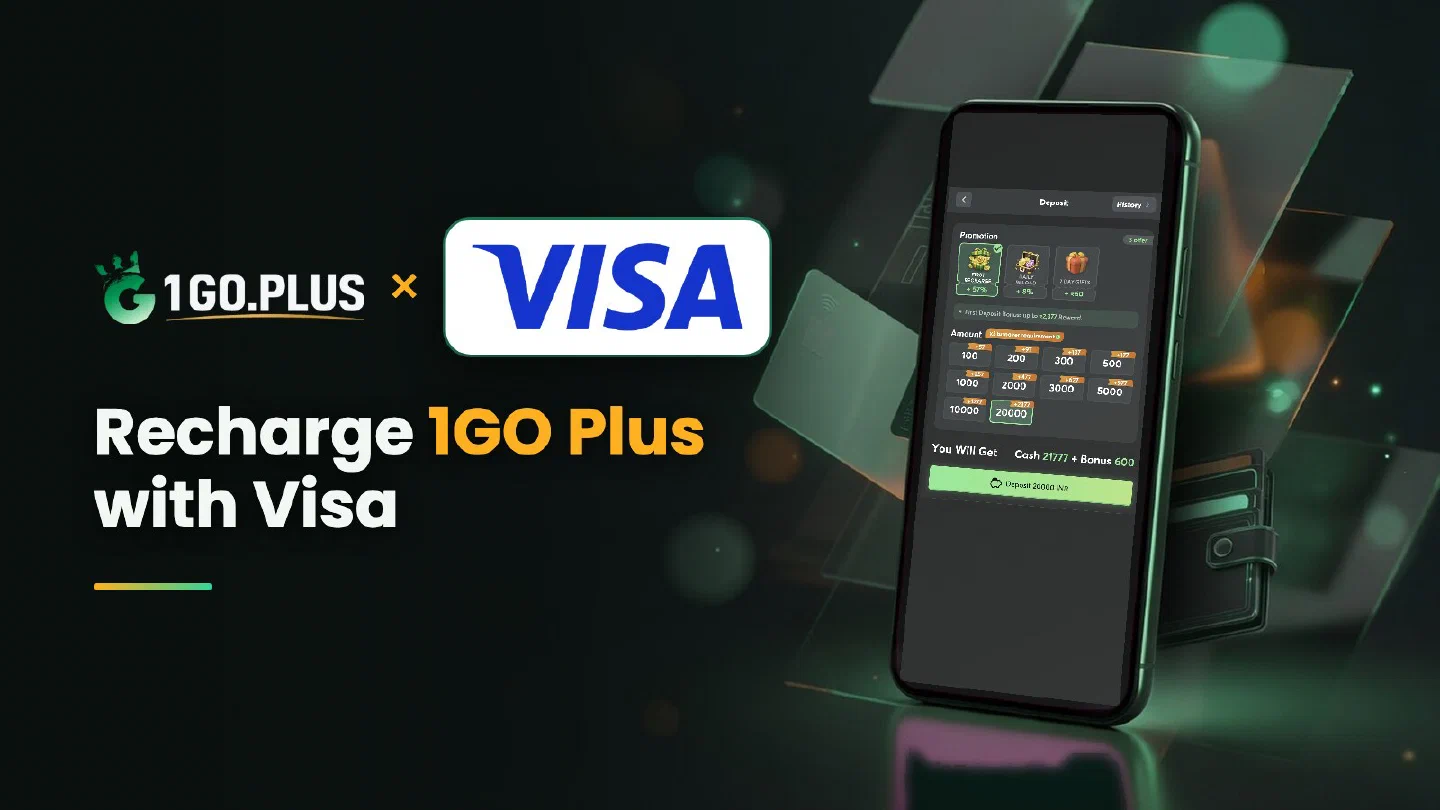
1GO Plus takes Visa debit and credit cards from players in India. Pick Visa in the cashier, enter a card issued in your own name and approve the payment with the OTP your bank sends — that step is called Visa Secure. The balance and your bonus arrive once the bank has approved the payment, and winnings go out to your UPI ID or bank account. If your bank stops a payment or the balance is still on its way, the four-switch checklist and the status steps below settle it. Every other option is listed in all payment methods.
How to recharge 1GO Plus with a Visa card#
- Tap the + next to your balance to open Deposit.
- Choose Visa and pick an amount.
- Enter your card details on the payment page.
- Approve the payment with the OTP or in your banking app and wait for the balance to update.
Visa debit or Visa credit?#
Both are Visa, so the steps are identical. A debit card pays from the balance of the account behind it. A credit card draws on your credit limit, and the amount joins your card bill. Choose the card that carries your own name — it keeps the deposit and any later identity check simple.
Bank declined your Visa payment? Four switches to check#
A new card often arrives with online use switched off, and four settings in your banking app usually settle a stopped payment:
- Online use — switch it on under card controls.
- International use — switch it on too when your app lists it as a separate setting.
- Daily online limit — raise it in the same screen when your recharge is above it.
- Card status and amount — the card is active, the balance or credit limit covers the amount and the name on the card matches your account.
Then open a new order in the cashier and repeat the payment on its payment page.
Visa Secure: the OTP step#
Visa Secure is the 3-D Secure check of Visa: your bank makes sure the card holder is the one paying. It arrives as an OTP by SMS on the number registered with your bank, or as an approval request in your banking app. Stay on the payment page until it shows the result. If the bank holds an old number for you, update it in the bank first and pay afterwards.
Charged but the balance has not changed#
- Check the order status in the cashier — your bank’s approval is the first part of the path, the balance follows it.
- Compare the amount and time with the card message from your bank.
- Open a Payment Ticket with a screenshot of the payment.
- Send the order ID and time to bonus support.
The Payment Guarantee covers slow deposits: 1% of the amount after a 3-minute delay, 10% after 2 hours and 100% after 4 hours. The full story of pending charges and statement lines is in Mastercard authorisation and pending charges.
Cash out to your UPI ID or bank account#
Winnings from a Visa recharge go to your UPI ID or bank account, the payout routes of 1GO Plus for India. Withdrawals to your UPI ID or bank account usually land in about 5 minutes.
- Open Withdraw and choose Add UPI Account (name and UPI ID) or Add Bank Account (account number and IFSC).
- Request an amount within Withdrawable.
- Confirm the withdrawal.
Use a UPI ID or account in your own name; 1GO Plus may ask you to confirm your identity before a cash-out. Wager your deposit once and the withdrawal goes out free of commission.
Why Withdraw does not respond#
- Withdrawable can be smaller than your total balance — it shows what you can take out now.
- Turnover Requirement shows the turnover still open from a bonus; complete it first, as explained in withdrawal after a bonus and wagering requirements.
- Daily Limitation is today’s maximum and rises with your VIP level.
Visa, Mastercard or RuPay?#
| Your card shows | Read |
|---|---|
| Visa | This page: debit or credit and Visa Secure |
| Mastercard | Mastercard authorisation and pending charges |
| RuPay | RuPay card guide |
Prefer to pay from the same bank account with a phone app? UPI from your bank app is in the cashier too. Your first recharge brings up to ₹1777 in cash gifts and 37% cashback, as described in first deposit cashback, recharge bonus and the welcome bonus.