
1GO Plus Bonuses Claim bonus
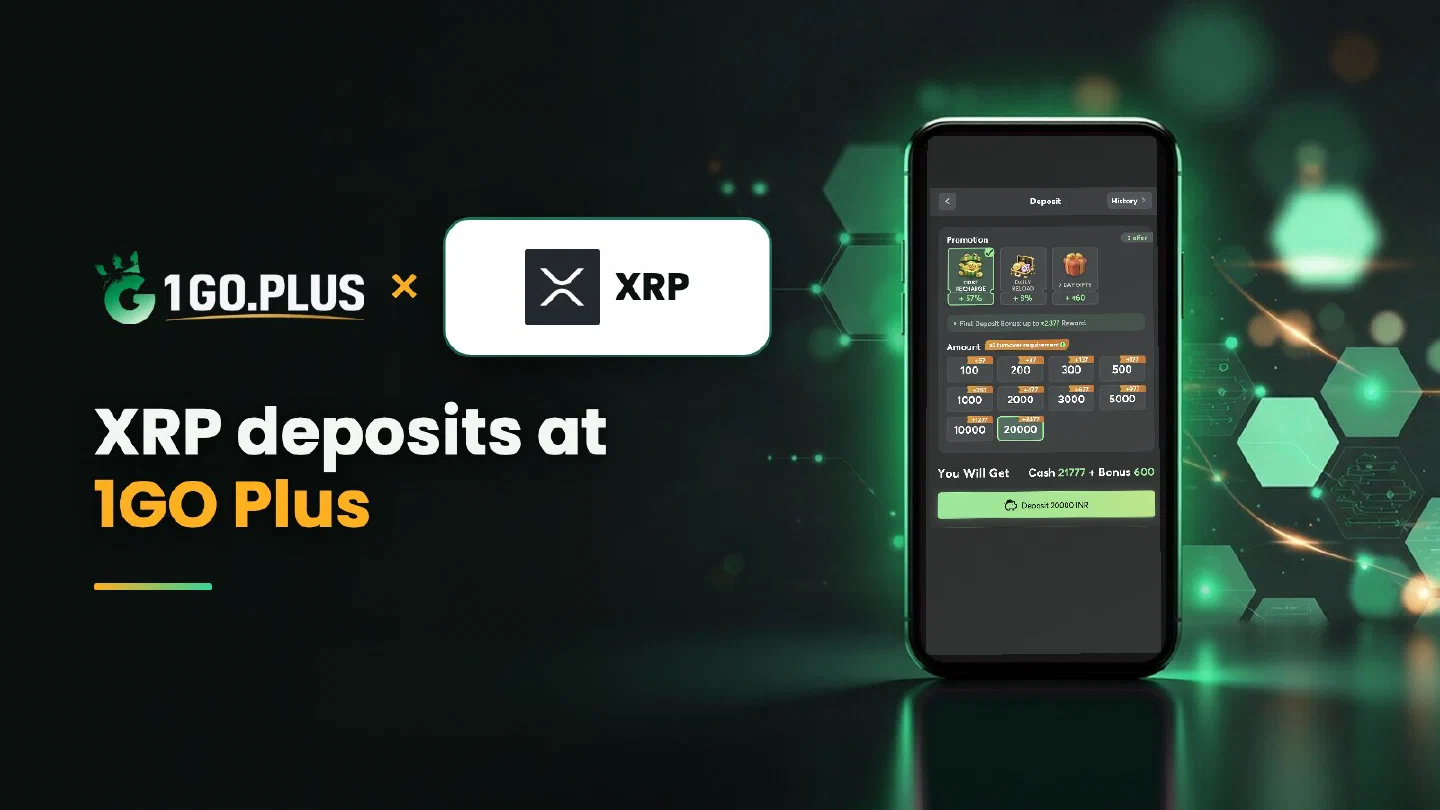
1GO Plus and XRP logos with the line XRP deposits at 1GO Plus beside a phone showing the 1GO Plus deposit screen

XRP deposits

1GO Plus XRP Deposits: Address, Destination Tag and Status Check

Copy the address and, when your order screen shows one, the Destination Tag. Enter both exactly as shown and send XRP.

Bonuses with your XRP recharge

  • First deposit cashback

    37%

    back on your first deposit

    18+ · Credited automatically after your deposit

  • Super Raffle

    ₹2,000,000

    prize pool, draws on Monday and Thursday

    18+ · Credited automatically after your deposit

  • First deposit

    ₹1777

    in cash gifts on your first deposit

    18+ · Credited automatically after your deposit

XRP at 1GO Plus in short

Deposit XRP to the address on your order screen
Destination Tag Copy it exactly when your order screen shows one
Network XRP Ledger
Address Classic addresses start with r
Track it TXID (hash) in your wallet or an XRP Ledger explorer
Cash out To your UPI ID or bank account (Acc No + IFSC), usually in about 5 minutes

The Destination Tag: one field worth full attention

An XRP deposit is matched to your order by the address and, where shown, the Destination Tag. Enter both exactly as they appear.

Deposit XRP to 1GO Plus by choosing XRP in the cashier and copying the address from the order screen. When your order screen shows a Destination Tag, copy that too and paste both into your wallet or exchange withdrawal form before you send: the address and the tag work as one pair. Your first-deposit bonus is credited automatically after the deposit, and winnings are withdrawn to your UPI ID or bank account. Browse all 1GO Plus payment methods, or see USDT on TRC20 or BEP20 if you prefer a dollar-linked coin.

The Destination Tag: copy it with the address#

A Destination Tag is a numeric tag that points your XRP to your order. Wallets and exchanges call the field Destination Tag, Tag or Memo. Copy it together with the address, exactly as the order screen shows it.

FieldWhere you copy itWhere you paste it
AddressYour order screenThe address field of your wallet or exchange withdrawal form
Destination Tag, when shownYour order screen, next to the addressThe Destination Tag (Tag or Memo) field

How to recharge 1GO Plus with XRP#

  1. Tap the + next to your balance and choose XRP.
  2. Copy the address and, if your order screen shows one, the Destination Tag.
  3. Paste both into your wallet or exchange and send XRP.
  4. Your balance and bonus are added automatically.

The amount and the available options are shown in the cashier of your account. Send from a wallet or exchange account in your own name.

From exchange to cashier#

Buy XRP for rupees on your exchange, then open the withdrawal form and paste the address and the tag into their own fields before you confirm.
1GO Plus: 37% cashback on your first deposit

XRP address: r… or X…#

A classic XRP address starts with r, and the Destination Tag travels separately. An X-address combines the address and the tag in one string. Use the format your order screen shows and your wallet accepts, and check the start and end of the address before you send.

XRP sent, balance still waiting#

  1. Check the withdrawal status on your exchange.
  2. Copy the TXID (hash) and open it in an XRP Ledger explorer.
  3. Compare the address and the Destination Tag with your order screen.
  4. Open a Payment Ticket with a screenshot of the transaction details, TXID and tag visible.
  5. Send the order ID, the time and the TXID to bonus support.

Forgot the tag?#

Open a Payment Ticket right away with a screenshot, the TXID and your order details; support then works from what you send. Next time, copy the tag together with the address and paste both before you press Send.

Value in rupees#

The cashier shows the INR value at the moment of the order. The XRP rate keeps moving, so check the amount on your order screen before you send.

XRP deposited, rupees withdrawn#

The Destination Tag guides your deposit in, and Withdraw takes it from there: choose your UPI ID (UPI ID withdrawals) or a bank account with account number and IFSC in your own name (withdraw to your bank account). Request an amount within Withdrawable; winnings usually land in about 5 minutes, and a bank sometimes adds processing time.

Reading the screen#

  • Withdrawable may be lower than your total balance.
  • Turnover Requirement shows bonus turnover still to finish (withdrawal after a bonus).
  • Daily Limitation is the day’s maximum, lifted by your VIP level.

One wager of your deposit makes the withdrawal free of commission.
1GO Plus Super Raffle: ₹2,000,000 prize pool

XRP, Tron or Solana?#

  • XRP is the coin where the Destination Tag is the main check.
  • Tron is the network behind USDT on TRC20.
  • Solana carries SOL and tokens, with its own guide.

Your bonuses arrive automatically with the deposit: see first deposit cashback and the Super Raffle.

Recharge with XRP in four steps

  1. 01

    Open the cashier and choose XRP

    Tap the + next to your balance and pick XRP. The amount and the available options are shown in your cashier.

  2. 02

    Copy the address and, if shown, the Destination Tag

    Use the copy buttons on the open order instead of typing.

  3. 03

    Paste both and send XRP

    In your wallet or exchange, paste the address and the tag into their own fields, then send from an account in your own name.

  4. 04

    Balance and bonus arrive together

    Your balance and first-deposit bonus are credited automatically after the deposit.

XRP and the closest options

Winnings from every row are withdrawn to your UPI ID or bank account.

MethodRechargeWithdrawalWorks Best For
XRPXRP on the XRP Ledger, to the order address plus the Destination Tag when shownTo your UPI ID or bank accountPlayers who hold XRP
Tron (TRX)TRX on the TRON network, to the order addressTo your UPI ID or bank accountPlayers who hold TRX
Solana (SOL)SOL on the Solana network, to the order addressTo your UPI ID or bank accountPlayers who hold SOL
USDTTRC20 (TRON) or BEP20 (BSC), chosen in the cashierTo your UPI ID or bank accountA dollar-linked coin

Address and tag ready?

Paste the address and, when shown, the tag, send XRP, and your first-deposit bonus is added automatically.

XRP questions

What is a Destination Tag and where do I enter it?

A Destination Tag is a numeric tag that identifies your order. Copy it next to the address when your order screen shows one, and paste it into the Destination Tag field, which some wallets label Tag or Memo.

Should I use an r-address or an X-address for XRP?

Use the format your order screen shows and your wallet accepts. An r-address comes with a separate tag, while an X-address combines the address and the tag in one string.

How do I follow an XRP transfer in the ledger?

Copy the hash, also called TXID, from your wallet or exchange and open it in an XRP Ledger explorer. The credited status then shows in your 1GO Plus balance and history.

I forgot to add the tag. What is the next step?

Open a Payment Ticket right away with a screenshot, the TXID and your order details. Next time, paste the tag before you press Send.

Can I send XRP straight from my exchange?

Yes, from an exchange account in your own name. In the withdrawal form paste the address and, when your order screen shows one, the Destination Tag.

Which bonuses come with an XRP recharge?

First-deposit cashback and cash gifts come with an XRP recharge, and the Super Raffle runs alongside. The offer cards at the top of this page list them, and everything is added automatically after your deposit.
Get bonus